Showing posts with label illustration. Show all posts

Wednesday, October 29, 2014

Finding My Style in Illustrator

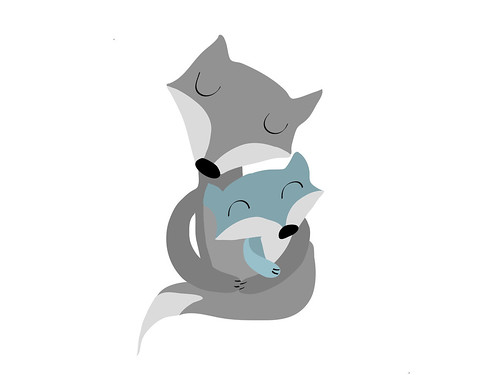
I admit to feeling frustrated lately with finding my style in Illustrator.  It's a flat vector based computer program and sometimes I just don't like that look.  My artwork is usually created with lots of layers of paint and paper.  I decided to play around and see what I could come up with.  I went with my favorite subject matter and here is what I created.

These are the icons I started with. I tried some texture with my brush strokes to give the foxes depth.
I played around with the background to add more interest.
Then I tried out some patterns.

Then I played with textures I made with a very cool app from Adobe called Adobe Shape as well as the watercolor brush and I came up with this fox.
I love how he turned out.  He's much closer to my painting style and I think the texture I created is nice.  It's still a work in progress but I know I'm headed in the right direction.

Thanks for stopping by!

Monday, July 14, 2014

What I've Been Thinking About Lately

I know. I know. It's been over a month since I last blogged. I have been lost in thought about my art, my blog and the state of my career. August 4th everything changes. Both of my children will be in school from about 8:30am to 4:00pm Monday thru Friday. It will be time to buckle down and really get serious. It's exciting and scary at the same time. I've mostly been thinking about my art and my style. I really want it well defined. I don't want to look at my art and just see the techniques I learned from an online class I've taken. I want to look at it and see "me". It's very difficult to bring that into the computer for licensing. You don't need to have computer skills to be licensed but if you have them, you will have more opportunities. I follow a lot of different licensed illustrators and one of my favorites is Helen Dardik. Her work is colorful, whimsical and lush. Most importantly her traditional and computer art are very similar.

Here is a piece Helen Dardik did in Illustrator.

And here is one of Helen's watercolors.

Even though she used a computer for one piece and traditional materials for the other, you know it's Helen Dardik's art. This is where I want my art to be. I want people to look at it and know it's Lynda M. Metcalf's art whether I used my computer or my paintbrush.

I still have a lot of work ahead of me. I think I'm close to having "my style" but I'm not quite there. I also need to treat the computer as another art supply. It's amazing what can be accomplished with Illustrator and Photoshop but it's a lot to learn. Soon I'll have more time. I better come up with a plan to use my time wisely so I can accomplish all I want to!

Here are links to Helen Dardik's work if you want to get lost for a little while.

Illustration

Watercolors

Patterns


Thanks so much for stopping by. And don't forget to click the links above to check out Helen's work.


Thursday, June 5, 2014

Art Techniques...Experimenting with Eyes

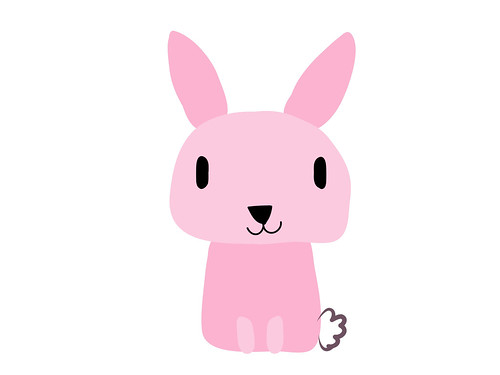
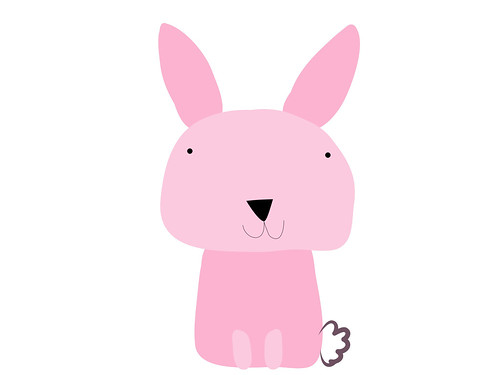
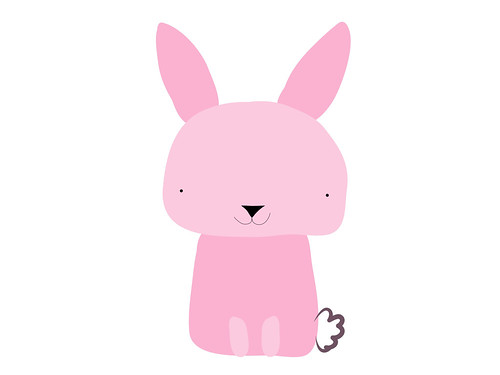
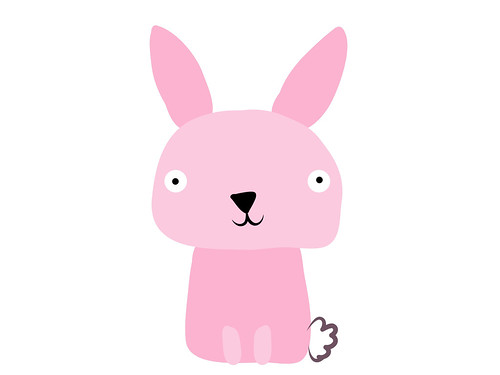
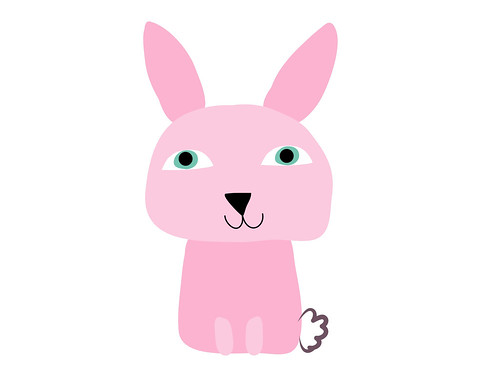
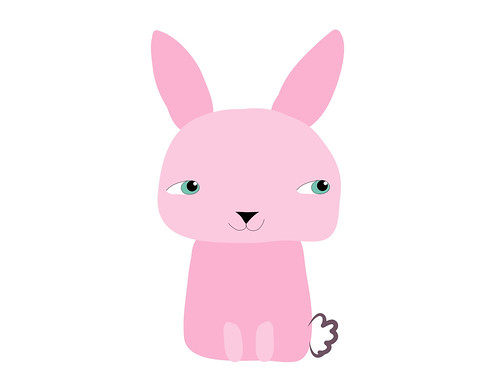
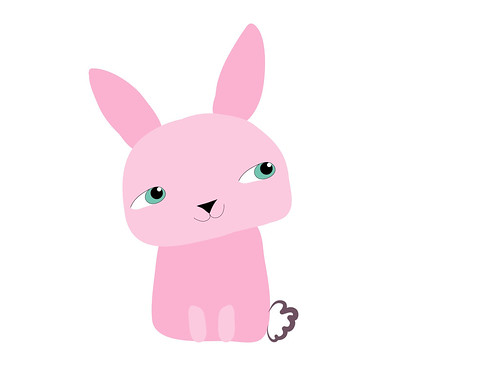
I enjoy playing around in Adobe Ideas on my iPad because you can work in layers. Layers can be turned on and off so I can play with how a character looks. For the bunny I created below I decided to play with his eyes. Changing something as simple as eyes can greatly influence how your character looks. You can do this drawing exercise on your tablet too if you have a layer based art program. Or you can also use a pencil and eraser and take pictures of your character with the different eyes you create, then choose the version you like best.

Big oval dot eyes

Little dot eyes placed high

Little dot eyes placed low


Peppa Pig cartoon eyes

People like eyes

Add eyelids


Eyes looking off to the side


Add a tilt of his head (this one is my favorite)

Same bunny but the eyes were changed or repositioned to create different looks and personality. This is a fun exercise to do when you are blocked and don't know what to draw. Just play around and change up the eyes, ears, nose or whatever you want with your character.


Thanks for stopping by!


Thursday, May 29, 2014

Changing Direction

For the past month I've been in a funk. I haven't wanted to do art or blogging (obviously). A lot has been going on since the end of April but that's not the only reason I've been absent. I haven't been into making the art I usually make. It's not that I don't like the art I've made. I do. I love the characters, colors and texture but I want to do something else.... Something more.


An iPad doodle in Adobe Ideas

When I took Make Art That Sells last year it opened up all these other opportunities for my art. I used to think making art was about going to craft shows and opening an online store. But now it's about so much more. I can create art that can go on things like wrapping paper, clothes and bedding. That just amazes me. I have found that making art for licensing is completely different than making it for my shop. In my opinion it's about simplicity and icons. You can combine and layer the icons to make things more complex but the pieces themselves are simple. I really like the idea of having lots of simple pieces and then putting them all together to make something completely new. Learning how to combine these things has been my biggest challenge.

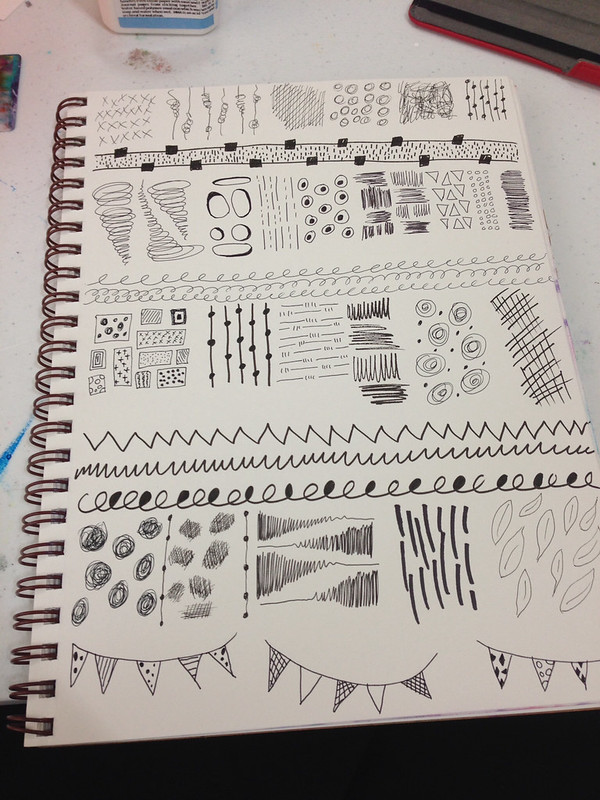
A page of marks I did in my sketchbook. All these marks were fun to create and they can be taken further in computer programs like Illustrator and Photoshop.

I post my sketches, doodles and iPad art to Instagram and I get a lot of likes. The majority of the art posted to Instagram is simple. Seeing this positive feedback has made me take a hard look at what I create and how I create. I've decided I'm going to buckle down this August when both my kids are in school and create art for licensing. I'd love, love, love to go to Surtex next May and I would need a boatload of art to do this. I'm going to embrace simplicity of form. I'm going to master (or be super comfortable with) Illustrator and Photoshop. I'm going to get collections under my belt. I won't completely abandon the art making I've made in the past. It's fun to get messy with paint. It's just not going to be a priority. My Etsy shop will still exist it will have simpler art added to the mix. My Society6 shop will hopefully bulk up too. It's so fun seeing my art on things!

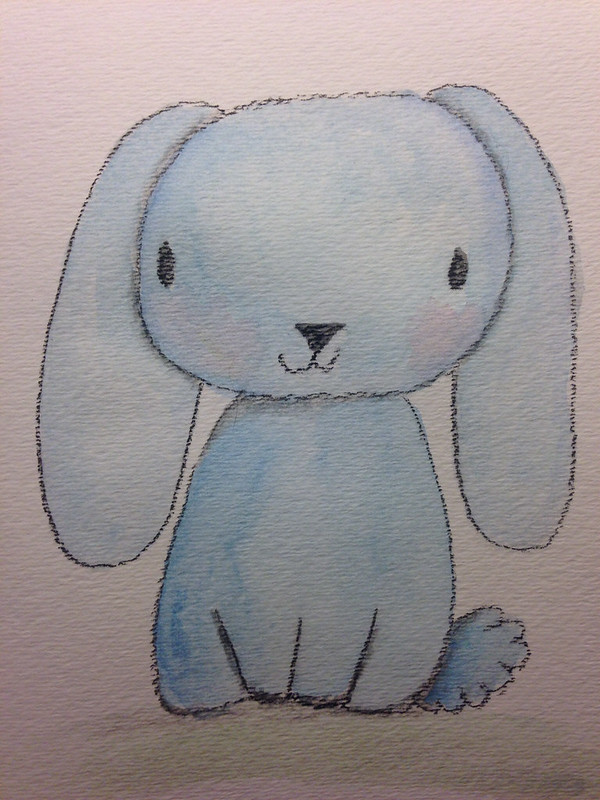
This cutie got a lot of likes on my Instagram. He's pastel and watercolor. He's so adorable!

I intend on sharing my process and what I learn on this journey. Change and growth is good.

Thanks for stopping by!


Saturday, April 19, 2014

Happy Easter

Wishing everyone a Happy Easter and (hopefully) a sunny spring weekend!

Thanks for stopping by!


Friday, March 28, 2014

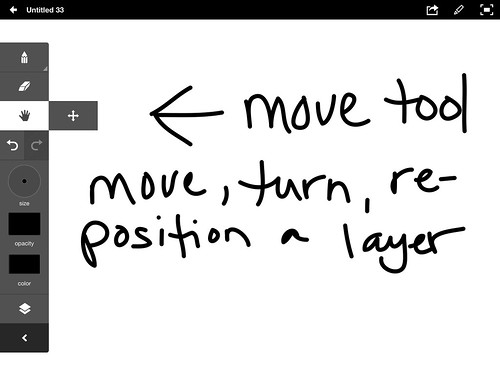
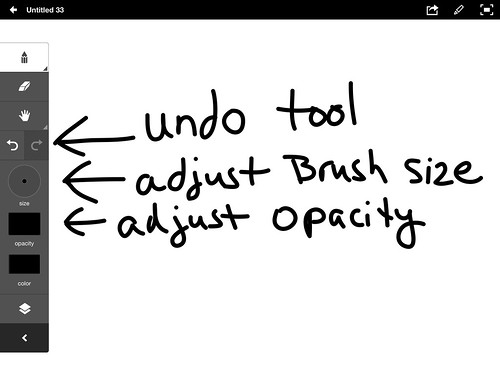
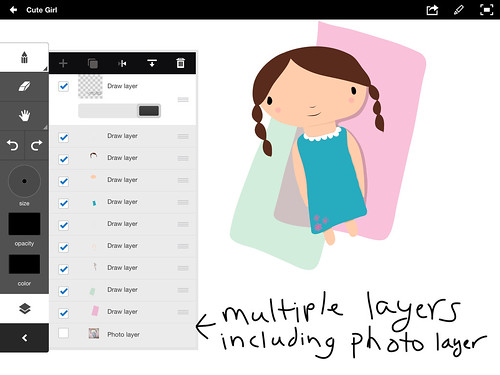
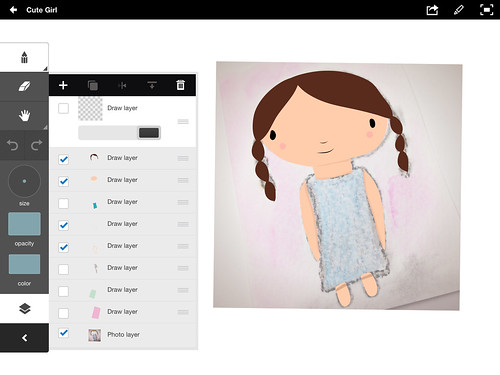
Adobe Ideas Overview

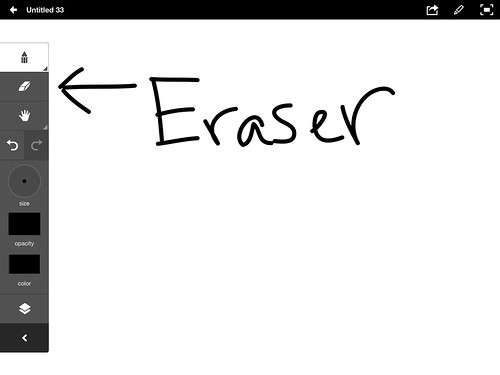
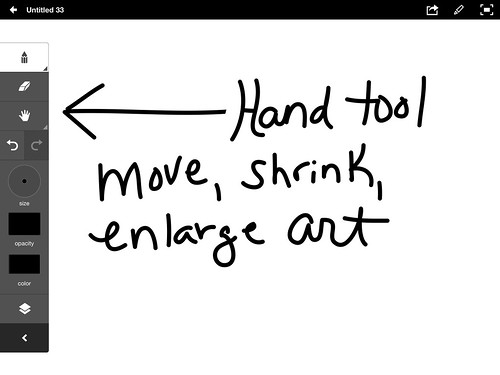
I have been obsessed with Adobe Ideas on iPad. It is a simple vector based sketchbook app. Because it's a vector app you can enlarge or shrink your art to any size without losing quality. Here is a quick overview of the art section of the app.

(the move tool is under the hand tool)

Your color themes in Adobe Kuler will upload into Adobe Ideas through Creative Cloud.

What I usually do is take a picture of my art from my sketchbook, put it on the photo layer and then trace over it. You can adjust the opacity of the individual layers so I tend to make the photo layer lighter. Then I start creating shapes. As long as the shape is closed I can fill it with color.

You can have up to 10 layers and upload the drawing through Creative Cloud into Illustrator; layers and all. You can edit and tweak your creation in Ai. I have discovered some annoyances though. If you have a transparent layer you can't make it opaque and lines are a pain adjust. I'm still learning Ai but I believe the the lines you make with Ideas behave like the Blob Brush in Ai. There are lots of anchor points on the line so manipulating them is difficult. The eraser tool works pretty well on the lines though.


I will figure this out as I usually have my iPad in hand so sketching on the iPad can be really helpful with my workflow. Making icons on the iPad is fun and I'm getting better with my Bamboo Stylus for iPad. I will likely never master using my finger to draw. I also have a Sensu paintbrush which is made for painting on a tablet. That's fun to use too.

Here are some other things I've created.


Thanks for stopping by.


Monday, March 24, 2014

Make Art That Sells Bootcamp March Project

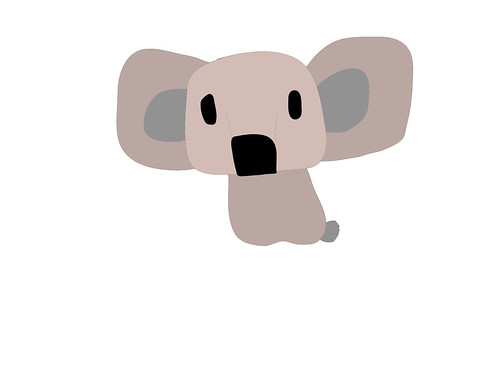
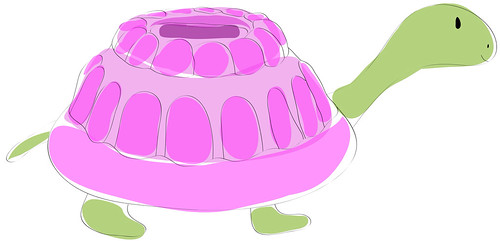
For my birthday I asked for MATS Bootcamp. This is a six month course of professional licensing assignments from Lilla Rogers. It's a great way to build my portfolio and challenge myself. Our March assignment was Jello molds. For some reason I immediately thought of a turtle with a Jello shaped shell. I don't know why but that's what I wanted to do. I also decided I was going to do it all in Adobe Illustrator. I researched and did sketches on my iPad with Adobe Ideas. I came up with this guy.
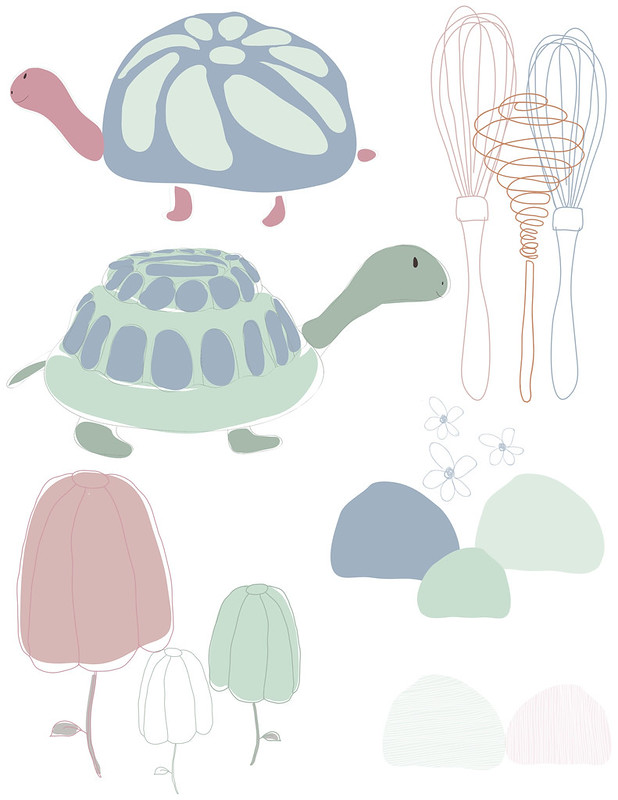
Then I created these other icons with my iPad and in Illustrator. I admit editing lines made in Adobe Ideas is a total pain. Editing big blobs of color is easier. So, I deleted my line work from Adobe Ideas and did them over in Illustrator. I have a basic Wacom Tablet and it was much easier to use since I've been playing on my IPad.
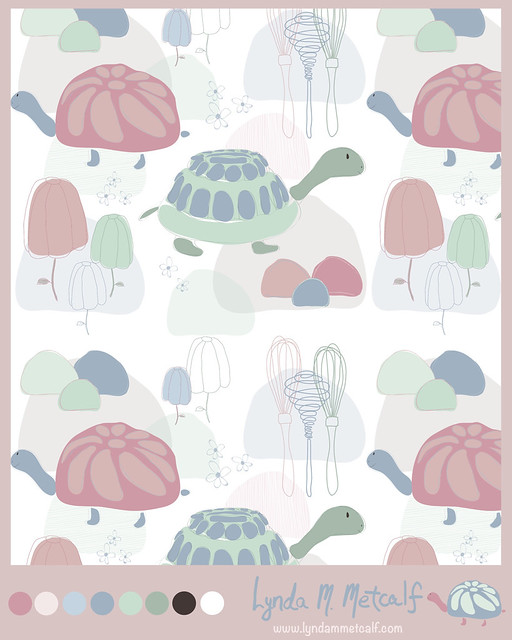
Lilla Rogers suggested a pastel palette which is totally opposit of what I normally do. I decided to stretch myself and give it a go. I created a pattern and used Illustrator's new Pattern Maker to create a repeat. This was my final submission.
I already have ideas for coordinates. I'm not sure if I'll keep this color palette. I really like the cute turtle I did on my iPad. He's so bright and colorful. Playing around in Illustrator was more fun than I thought it would be. I created layers to help create depth, which is similar to how I paint. Work on the computer can look very flat so the layers helped a lot. I'm sure the more I play around the more I will figure out. Bootcampers are off for the month of April. Make Art That Sells parts A & B are running again. I highly recommend the courses if you are serious about making a living with your art.

Thanks for stopping by!

Friday, January 24, 2014

Feeling a Little Lost

I've been thinking a lot about the art I create lately. I've been feeling lost. It's not that I dislike the art I am making. I am just not sure if it's "me". I think The Make Art That Sells e-course changed how I look at my art. I want to make art that I love but it also has to be marketable. So, I am questioning everything I am creating. I just want to enjoy making art but I also want to sell it so, where is the balance? How do you balance being commercial and being true to yourself? I decided I've been overthinking things and my problem may be that I haven't found my style. I've found some of it, but not all of it. My art is also not quite focused for a specific market. So, I've gone into analysis mode and started thinking about where my love of art comes from. Why do I love art?

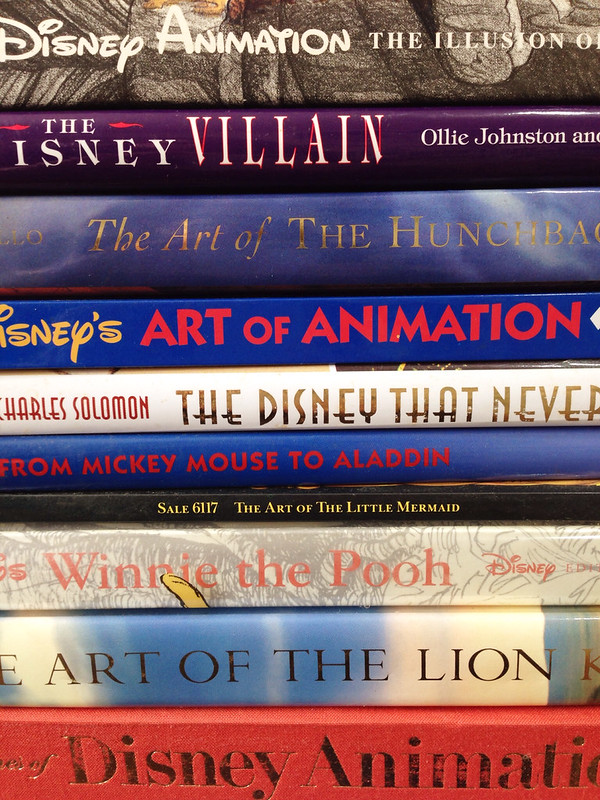
When I was growing up I loved (and still love) Disney Films. I watched the Disney Channel when if first came onto cable and they actually showed all the classic cartoons. I have quite a collection of (now out of print) books on Disney Animation. I used to trace the characters and color them in. I still love to look through the books and I now get to watch the movies through my children's eyes.


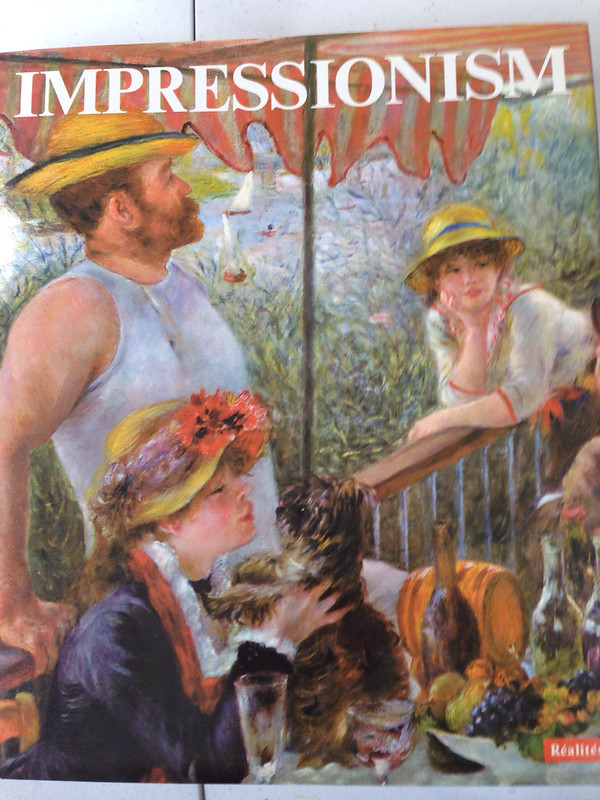
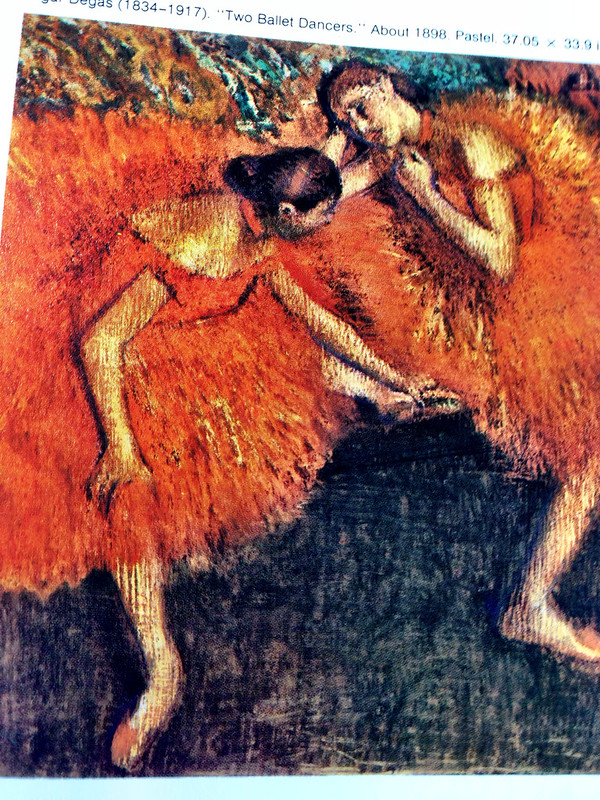
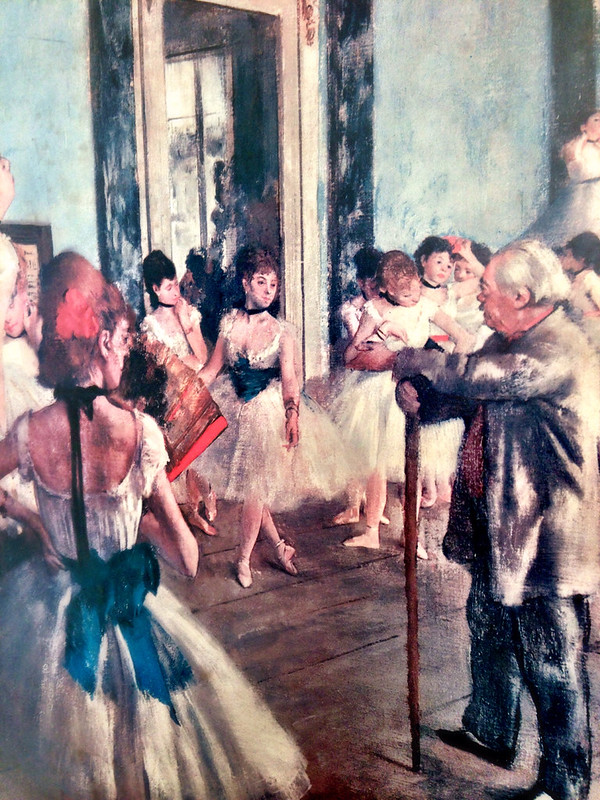
In high school I fell in love with Impressionism. I actually enjoy most fine art but Impressionism is my favorite, especially Degas. I love the color and texture in Impressionist paintings. I also like how they captured daily life and landscapes.

In my 20's and 30's I worked in several different bookstores and my favorite department was the children's section, especially picture books. I loved the stories and the art. The best part of picture books is that the art can be so different. Below are pictures of just some of the books in my collection. I have a lot! I think my favorite thing about picture books are the characters created. The trick to creating an excellent picture book is that the words and the pictures work well on their own but are perfect compliments to each other. I was recently reading a Frog and Toad (by Arnold Lobel) story to my son and he was cracking up at the story and the pictures.
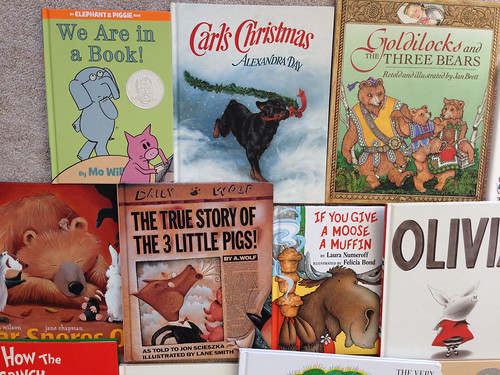
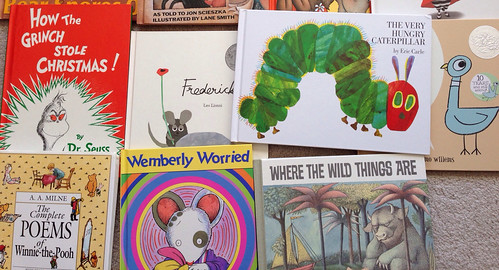
So what does all this mean for my art and what I create? I'm not sure yet. I think I have some of the whimsy from Disney, some texture from the Impressionists and characters from children's books already floating around in my art. I just need to keep drawing and working and drawing some more. I have been experimenting with other media too. My beginnings in art was in the craft world. I was a certified Donna Dewberry Muralist. As much as I enjoyed being a crafty painter I'd like my work not to look "crafty". This is my personal preference. Most important though I need to remember what kind of art makes my heart sing.


Friday, August 30, 2013

The Wheels are Turning

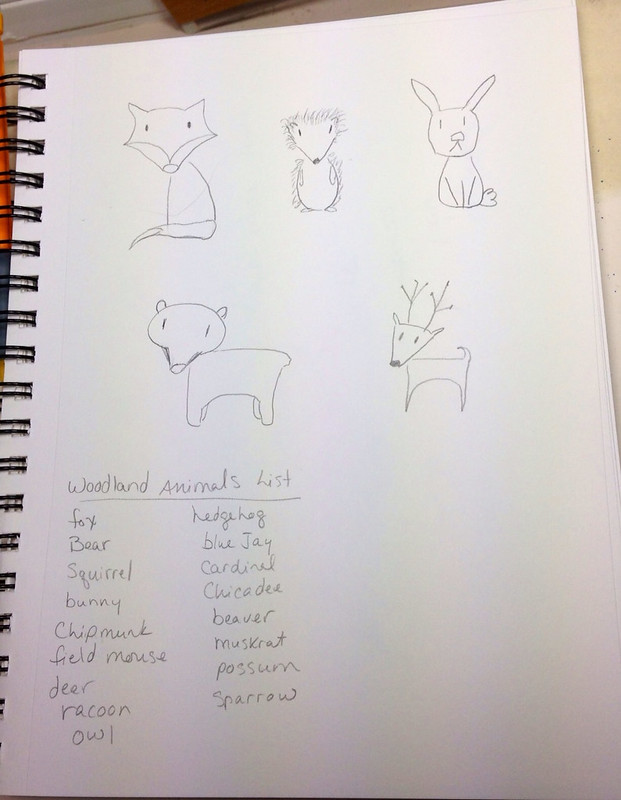
Taking notes and doing preliminary sketches. I'm going to work on my first "Illustration Collection" for licensing purposes. The theme is Woodland Animals. This is an excellent way to continue my "Year of Drawing"!


Thanks for stopping by!