Showing posts with label licensing. Show all posts

Thursday, May 29, 2014

Changing Direction

For the past month I've been in a funk. I haven't wanted to do art or blogging (obviously). A lot has been going on since the end of April but that's not the only reason I've been absent. I haven't been into making the art I usually make. It's not that I don't like the art I've made. I do. I love the characters, colors and texture but I want to do something else.... Something more.


An iPad doodle in Adobe Ideas
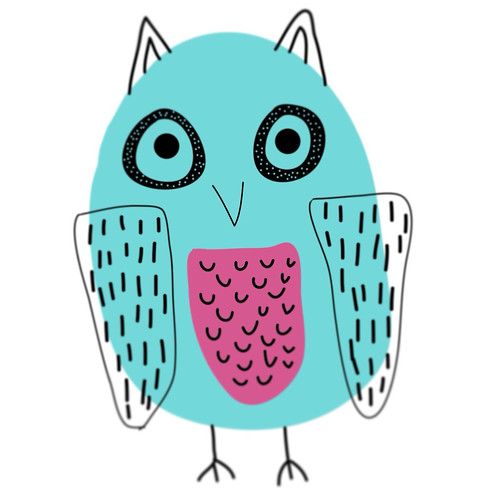
When I took Make Art That Sells last year it opened up all these other opportunities for my art. I used to think making art was about going to craft shows and opening an online store. But now it's about so much more. I can create art that can go on things like wrapping paper, clothes and bedding. That just amazes me. I have found that making art for licensing is completely different than making it for my shop. In my opinion it's about simplicity and icons. You can combine and layer the icons to make things more complex but the pieces themselves are simple. I really like the idea of having lots of simple pieces and then putting them all together to make something completely new. Learning how to combine these things has been my biggest challenge.

A page of marks I did in my sketchbook. All these marks were fun to create and they can be taken further in computer programs like Illustrator and Photoshop.
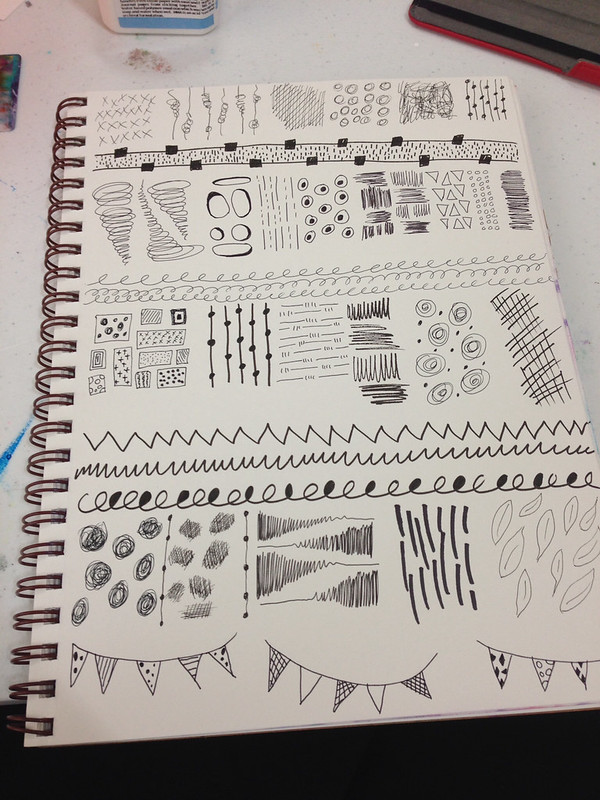
I post my sketches, doodles and iPad art to Instagram and I get a lot of likes. The majority of the art posted to Instagram is simple. Seeing this positive feedback has made me take a hard look at what I create and how I create. I've decided I'm going to buckle down this August when both my kids are in school and create art for licensing. I'd love, love, love to go to Surtex next May and I would need a boatload of art to do this. I'm going to embrace simplicity of form. I'm going to master (or be super comfortable with) Illustrator and Photoshop. I'm going to get collections under my belt. I won't completely abandon the art making I've made in the past. It's fun to get messy with paint. It's just not going to be a priority. My Etsy shop will still exist it will have simpler art added to the mix. My Society6 shop will hopefully bulk up too. It's so fun seeing my art on things!

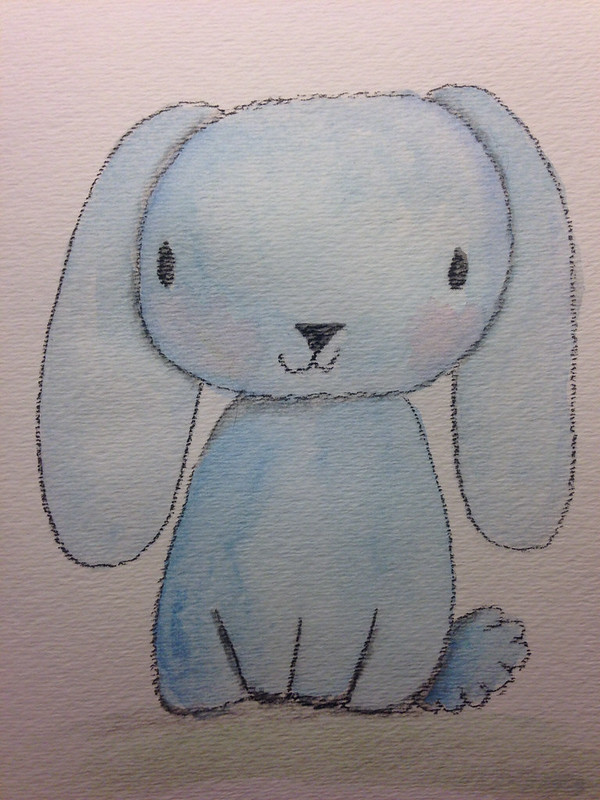
This cutie got a lot of likes on my Instagram. He's pastel and watercolor. He's so adorable!
I intend on sharing my process and what I learn on this journey. Change and growth is good.

Thanks for stopping by!


Monday, March 24, 2014

Make Art That Sells Bootcamp March Project

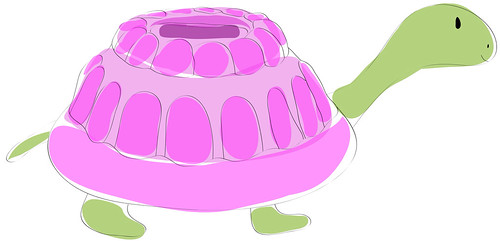
For my birthday I asked for MATS Bootcamp. This is a six month course of professional licensing assignments from Lilla Rogers. It's a great way to build my portfolio and challenge myself. Our March assignment was Jello molds. For some reason I immediately thought of a turtle with a Jello shaped shell. I don't know why but that's what I wanted to do. I also decided I was going to do it all in Adobe Illustrator. I researched and did sketches on my iPad with Adobe Ideas. I came up with this guy.
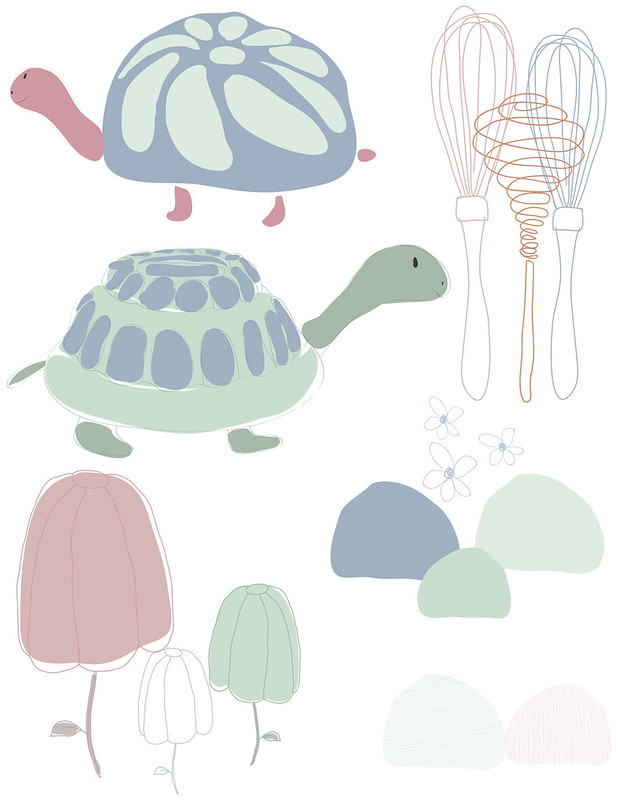
Then I created these other icons with my iPad and in Illustrator. I admit editing lines made in Adobe Ideas is a total pain. Editing big blobs of color is easier. So, I deleted my line work from Adobe Ideas and did them over in Illustrator. I have a basic Wacom Tablet and it was much easier to use since I've been playing on my IPad.
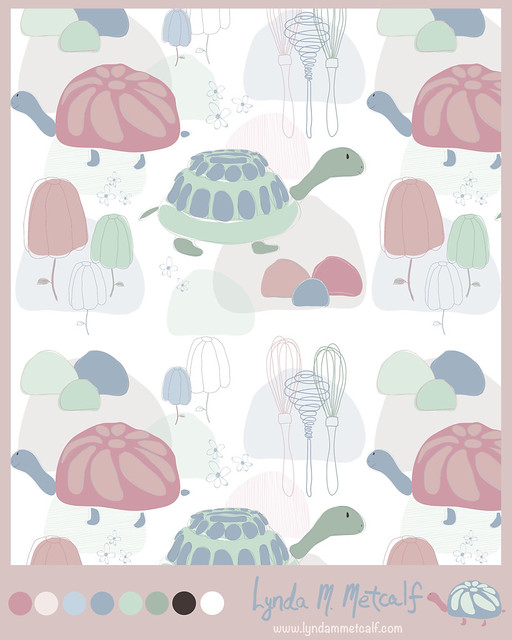
Lilla Rogers suggested a pastel palette which is totally opposit of what I normally do. I decided to stretch myself and give it a go. I created a pattern and used Illustrator's new Pattern Maker to create a repeat. This was my final submission.
I already have ideas for coordinates. I'm not sure if I'll keep this color palette. I really like the cute turtle I did on my iPad. He's so bright and colorful. Playing around in Illustrator was more fun than I thought it would be. I created layers to help create depth, which is similar to how I paint. Work on the computer can look very flat so the layers helped a lot. I'm sure the more I play around the more I will figure out. Bootcampers are off for the month of April. Make Art That Sells parts A & B are running again. I highly recommend the courses if you are serious about making a living with your art.

Thanks for stopping by!

Tuesday, November 12, 2013

Diary of a "Make Art That Sells" Student: Weeks 3, 4 and 5 of Part B

Sorry I've been absent these past few weeks.  MATS Part B became very challenging for me and I also got sick so that didn't help.  Here are my projects for weeks' 3 through 5.

Week 3 was Scrapbooking week and I thought I was going to have an easy time with this one.  Nope. I found it quite difficult.  I think it was the subject matter, cameras and typewriters.  I don't normally draw objects.  I like characters better so I couldn't envision anything.  I also prefer the papers section of the Scrapbooking department and the focus was more on icons for stickers and embellishments for pages.  I don't go into that section.

I came up with these icons and used Illustrator to make the line drawings look cleaner.

Then I randomly chose 5 colored pencils to come up with a color scheme and played with layers in photoshop.


I think they look kind of cool but I'm not head over heals in love with this design  Below is the final presentation.  I tried to create "patterned paper" like you would find in a packet of paper.  I will likely revisit this and see if I can come up with something more interesting in the future.  


Week 4 was editorial and our mini was about lettering our town's name.  I had a sinking feeling the main assignment was going to be a map and I was right.  I had no clue how to do a map so, I decided to show the places you can take your kids in our area.  Morrisville has several parks and other interesting places to take your kids that you may not normally think of going.  Since the theme was "kid" oriented I took inspiration from Eric Carle and made a collage from painted paper.

My Icons


 My Final


I think its pretty good for a first try.  I love my boat, plane and firetruck.  I may need to use those for something else.

Our last week was Party Paper and the mini was all about Ukrainian or Bavarian Folk art.  Years ago I used to do craft painting and a lot of it was "folk art" style with swirls and flowers.  I was never a huge fan of that style but I went for it anyway.  I liked the Ukrainian better than the Bavarian.  I pulled out the paints and chose my favorite colors.  I even pulled out my special paint brushes that are often used just for "folk art painting".  They help the artist make flowers quickly.

These are my icons.


And this is my final presentation.


I really like how this came out.  It's bright and colorful and fun.  I think these icons can be used on lots of other things too.  I felt really good while I was creating this project (despite the fact that I was also sick with a horrid cough).  

Now the class is over and it's time to get motivated and get to work.  I know I am getting a better grasp of this licensing thing.  It's all about icons, icons, icons.  More importantly though it's about doing what you love.  I love to draw, paint, use bright colors and use characters in my work.  I think if I keep these things in mind when creating I will come up with a good collection.  I also have a really decent grasp of Photoshop.  I spent two days painting icons for my last project and two days on the computer assembling everything.  Who knew photoshop could be so helpful with art!  Stay tuned to see what happens next in my career!  Now, off to work!

Thanks for stopping by!

P.S.  More things will be added to my Etsy shop as well.  If you haven't visited yet, please stop by and check things out.


Monday, October 21, 2013

Diary of a "Make Art That Sells" Student: Week 2 of Part B

Well, it was another long, fun and hard working week for MATS!  Week 2 was all about Children's Apparel.  I have been shopping in the baby and children's departments for about 6 years now so, I was very excited for this week.  The theme was camping.  I really, really wanted to nail this one with a beautiful presentation.  That didn't happen.  I like my icons, especially the animal ones but I just can't get the arranging down to make it super pretty.  Getting the icons right is the most important thing though.  If those aren't strong I won't have a strong piece in the end.  Here is what I came up with.

This is the collections of icons I created.  I had to do woodland critters of course!  I drew the line work and the painting separately and put them together using Photoshop and Illustrator.  I used Illustrator for the line work then pasted it into Photoshop.


Coming up with arrangements was difficult.  I decided to create a scene with my icons and then I attempted a repeat like pattern with the critters.  It wasn't the success I hoped.  I also created a repeat with a painted mushroom which I think came out cute.


I am happy with the items I have to work with.  I really enjoyed this assignment and want to play more and more with it.  Here is the presentation sheet that I posted for review.


I'm going to get this eventually.  It's a big learning curve.  I am confident I can do this though! 

Week 3 is Scrapbooking!  I hope to continue improving!

Thanks for stopping by!


Friday, August 30, 2013

The Wheels are Turning

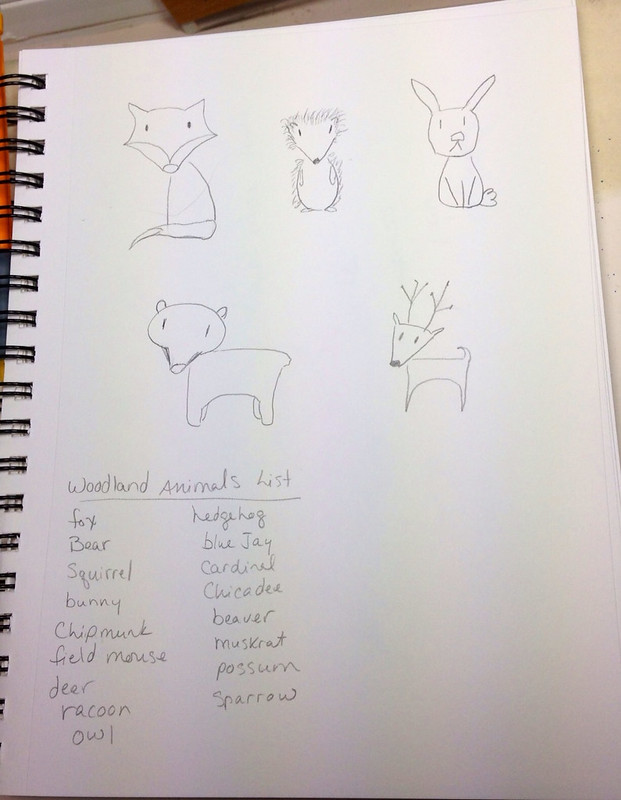
Taking notes and doing preliminary sketches. I'm going to work on my first "Illustration Collection" for licensing purposes. The theme is Woodland Animals. This is an excellent way to continue my "Year of Drawing"!


Thanks for stopping by!