Showing posts with label Make Art That Sells. Show all posts

Wednesday, September 17, 2014

Designing Pattern Collections

I have pulled myself out of my funk after Lilla Roger's Global Talent Search and I'm filled with creative energy. I found the most amazing course on Creativelive.com called Design Surface Patterns From Scratch with Bonnie Christine. Bonnie reveals all her secrets showing step by step how she creates her designs. She uses Adobe Illustrator (Ai) and I have struggled with this program. It can do hundreds of things but I don't need to know everything it does. I only need to know how to use the program to make surface pattern designs. This is the first course I have found that shows you the creative process using Illustrator for Surface Pattern Design from beginning to end. It has great video instruction, lots of info and Bonnie Christine in an inspiring instructor.

Much of her beginning process is what I learned in Make Art That Sells; find inspiration and sketch, sketch sketch. The big eye opener for me was how to transfer my sketches into Illustrator and maintain my hand drawn look. I don't like the perfect shapes you often see in vector drawing so it's very important to me to maintain my style and personality in my drawings. Bonnie uses Image Trace, the Blob Brush, the Pen Tool and the Pencil Tool in various ways to bring her drawings into Ai. I love the Blob Brush so I had a blast using my Wacom Tablet and bringing my sketches into a vector format. My other best friend became the Smooth Tool (which is in the fly out menu of the Pencil Tool). You can use this tool to smooth out your lines if they're a little wonky. It also works well with drawings brought in with Image Trace to help smooth out lines and reduce anchor points.
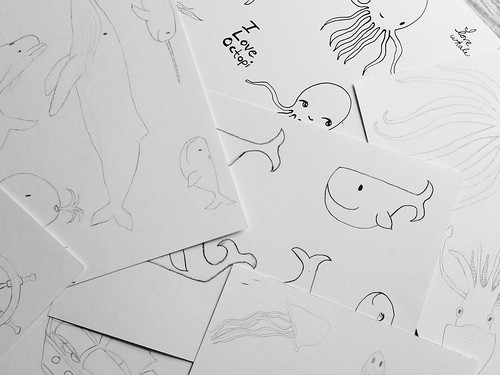
I went through my sketches for the nautical assignment from Make Art That Sells Bootcamp and started my first collection.
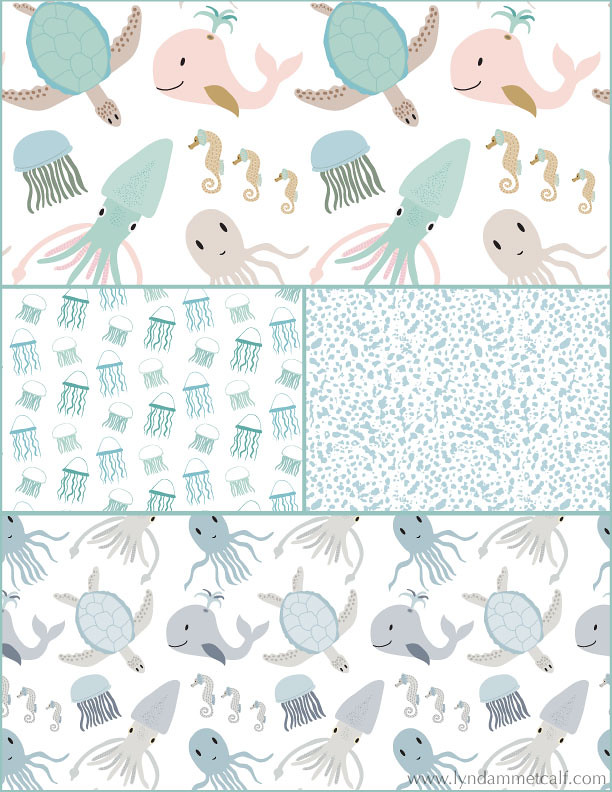
My main print is the sea creature print which I've done in a girl themed colorway and a boy themed colorway. I created a supporting jellyfish print and the abstract dot print is actually a piece of coral I photographed and Image Traced it to change it to vector. Using photography for vector drawing was something I hadn't tried before and it's so cool!

One thing Bonnie doesn't use often is the Pattern Tool new to Illustrator in version CS6. I'm going to try and see if I can conquer it. I used the Pattern Tool to make the above patterns. I think some artists don't like it because it's easy to see where the pattern begins and ends. As long as you keep moving items around you can create a very interesting pattern. I'm also doing a course from Laura Coyle that talks all about using the Pattern Tool called Pattern Power. It's very thorough and it's free when you sign up for her newsletter. You need to have knowledge of Ai though for Laura's course. If you or a real beginner it will be overwhelming.

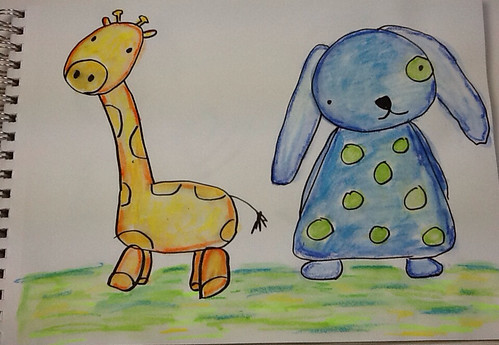
What I can't wait to dig into is putting the sketches I've made in Adobe Ideas into Ai. Adobe Ideas is a vector app that works with Illustrator. You can upload your files straight into Ai from Ideas as long as you have a Creative Cloud account and wifi. Check out these cute critters I made! The only downside is you have to clean up a lot of stray anchor points when you bring it into Illustrator.
If you are interested in creating patterns from your art I highly recommend Bonnie Christine's course. The beginner and the professional alike will find this course helpful and inspiring. If you are new to Creativelive.com they often send out a coupon (I got one) to purchase past classes. Bonnie's course is around $80 and so worth the money. Other courses I've had my eye cost $100's more and this one has everything you need to get going. Below I will provide links to all the things I've mentioned.
 
 
I hope you find all this info helpful. Thanks so much for stopping by!


Friday, August 22, 2014

The Final "Make Art That Sells" Bootcamp Assignment

For our last assignment Lilla Rogers did things a little differently. We had to make a personal piece of art that we would either give as a gift or keep for ourselves and we weren't allowed to share any sketches or our final piece in the Facebook group. You could hear the screams and collective gasps from fellow Bootcampers around the globe. The Facebook groups in MATS are very active and supportive. Getting feedback can help give an artist perspective, inspiration or that ego boost we need (unless no one comments on your work which has happened). Many campers were upset with this but I actually liked this idea. I'm sometimes influenced by what my artsy friends are posting. "Ooh, that's a good idea" or "I was going to do it that way, now I can't" or "Wow, everyone's work is way better than mine!" All these thoughts freeze me up and I have difficulty creating. I was relieved I couldn't see other's posts since I was at a loss of what to do. The subject matter was to create art of your favorite drink. I don't draw or paint drinks. Ahhhhh!

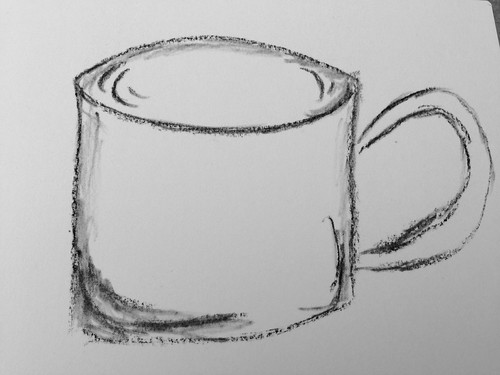
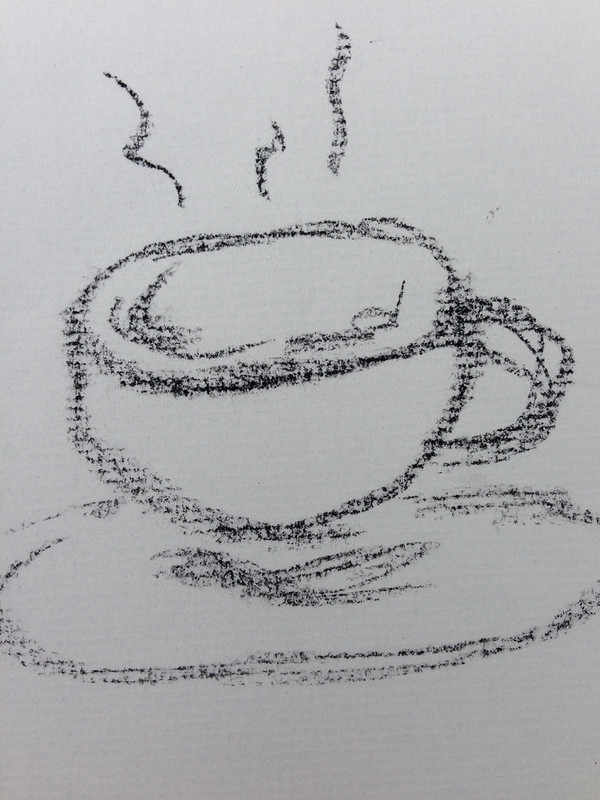
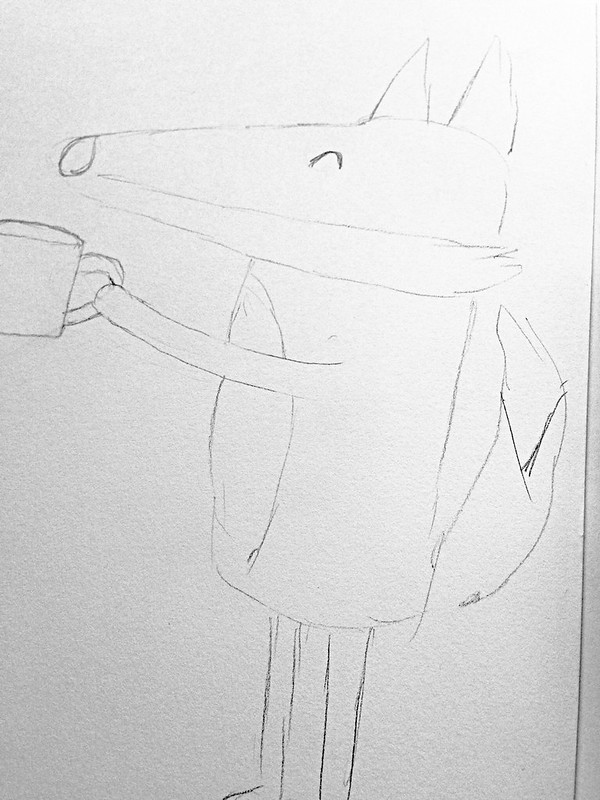
I drink coffee and I did drawings of cups and tried some lettering but no ideas were coming except mixed media art you might see hanging at Starbucks. That's not the kind of art I make. I tried an abstract piece of coffee beans and that was a bust. Then I thought about what I like to draw: characters. So I played a bit with different critters drinking coffee or hot chocolate (my other favorite drink).


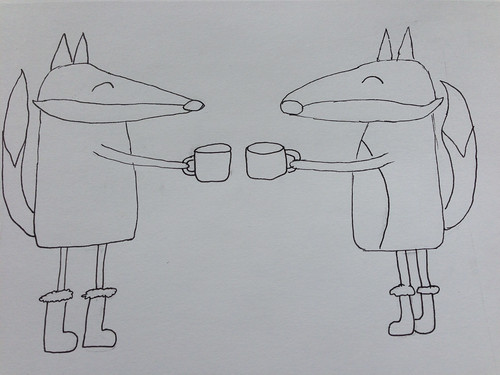
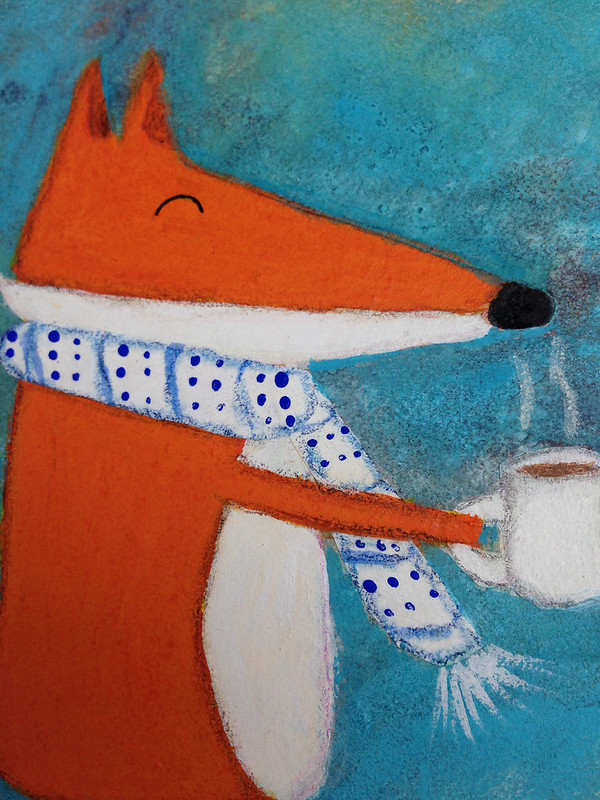
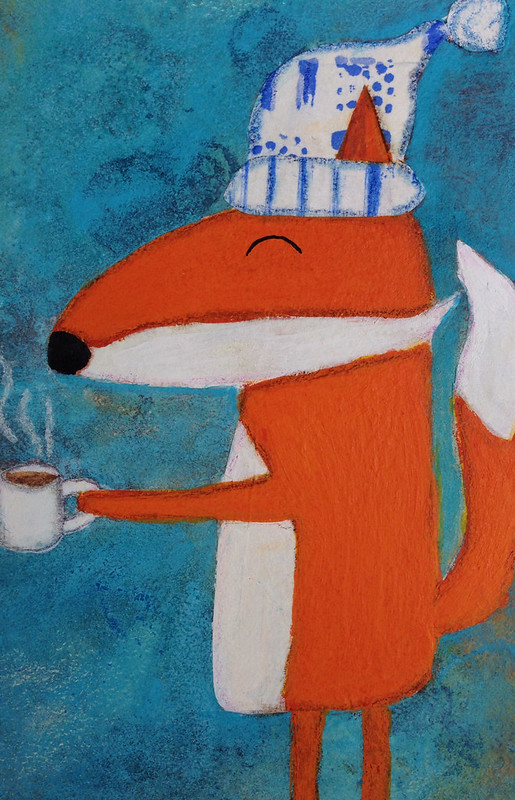
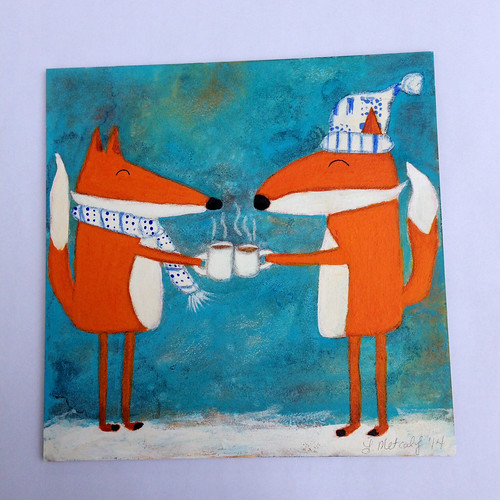
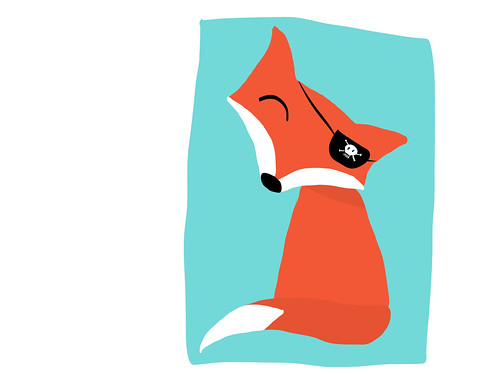
I took out my favorite paints and inks and created art for me with foxes and hot chocolate (yum!).


I am so happy with how this turned out. It's a fun piece of art. I did some collage and played with my inks and made fun characters. Surprisingly it only took me a couple of hours to do this piece. It hasn't flowed that easily for a while and it never really flowed that easily for a MATS assignment. Don't get me wrong, I loved all the classes and will likely do Bootcamp next year but it was so helpful to not see what other people were doing. I haven't decided if I want to put this as a print in my shop or save it for a holiday card or maybe make a series of critters with food for holiday kids plates. It's one of the best things I've done and I think it could be great for licensing.

Next week I'll share my piece for Lilla Roger's Global Talent Search. The galleries of the entries including the top 50 will post the 26th of August and I'm going to wait to share my art until then.

For artists interested in licensing and creating marketable art, Assignment Bootcamp is a great course. You get a real good idea of what a real life assignment from a manufacturer is like. Click here to get more info on next year's Bootcamp.

If you like an intense class to learn everything there is to learn about making art for licensing, just click here to learn about Make Art That Sells.

Thanks for stopping by!


Friday, August 15, 2014

Make Art That Sells Bootcamp: Nautical Assignment

The last two assignments of MATS Bootcamp really helped me realize what art brings me joy. This blog post is about the nautical/ship in a bottle assignment. I went crazy drawing icons for this assignment. I think these are the most I've done for any of the MATS assignments. I drew ships, bottles and loads of sea creatures. The final piece had to be a square piece of wall art.

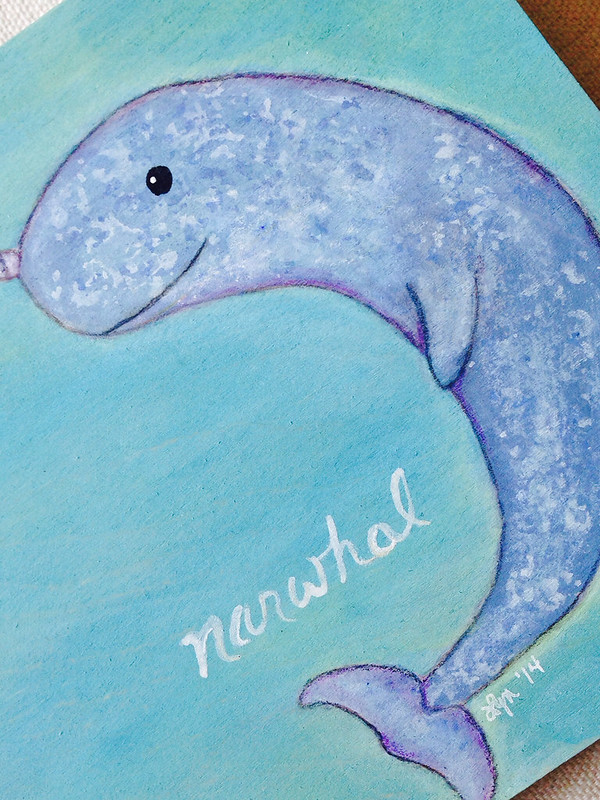
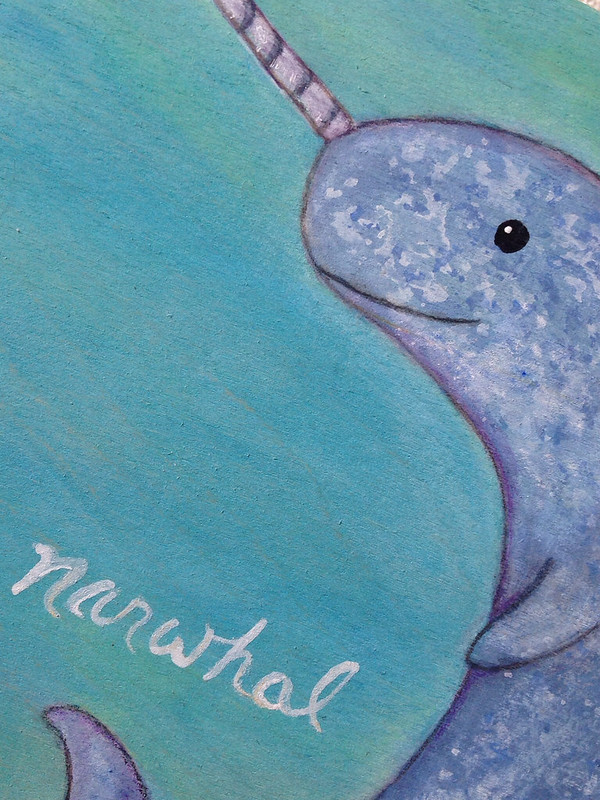
I ended up creating two pieces. The narwhal was the one I submitted.

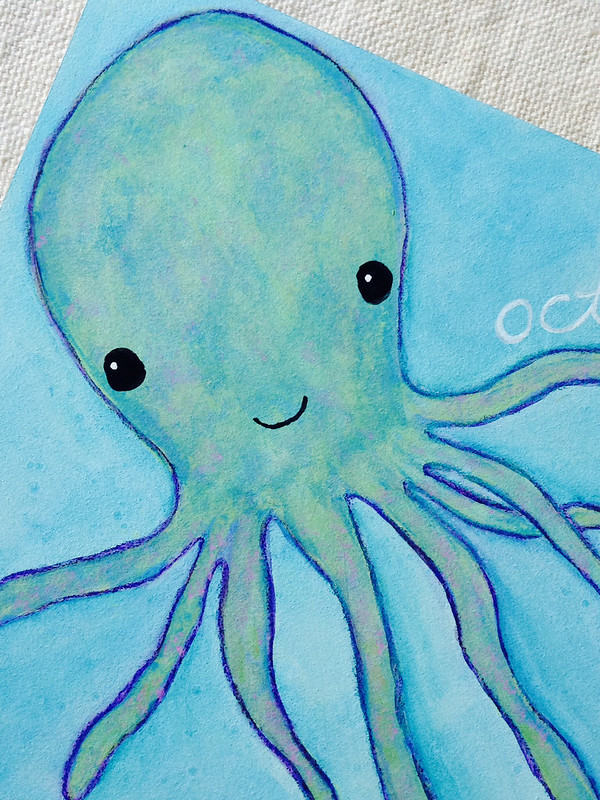
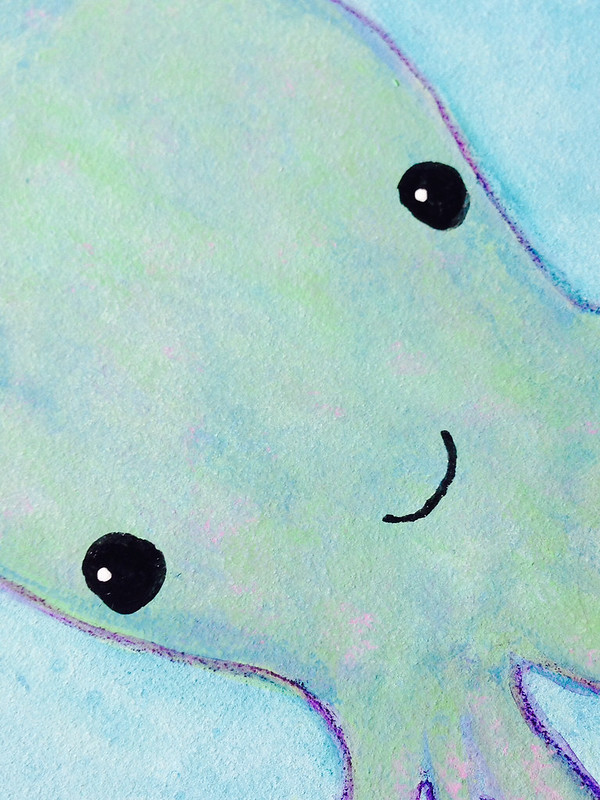
I also made this cute octopus.

Both of these pieces are available in my Etsy shop. I plan on making more paintings or patterns from all my drawings. Creating characters is what I love to do most and this assignment reminded me of that.

Thanks for stopping by!


Thursday, May 29, 2014

Changing Direction

For the past month I've been in a funk. I haven't wanted to do art or blogging (obviously). A lot has been going on since the end of April but that's not the only reason I've been absent. I haven't been into making the art I usually make. It's not that I don't like the art I've made. I do. I love the characters, colors and texture but I want to do something else.... Something more.


An iPad doodle in Adobe Ideas

When I took Make Art That Sells last year it opened up all these other opportunities for my art. I used to think making art was about going to craft shows and opening an online store. But now it's about so much more. I can create art that can go on things like wrapping paper, clothes and bedding. That just amazes me. I have found that making art for licensing is completely different than making it for my shop. In my opinion it's about simplicity and icons. You can combine and layer the icons to make things more complex but the pieces themselves are simple. I really like the idea of having lots of simple pieces and then putting them all together to make something completely new. Learning how to combine these things has been my biggest challenge.

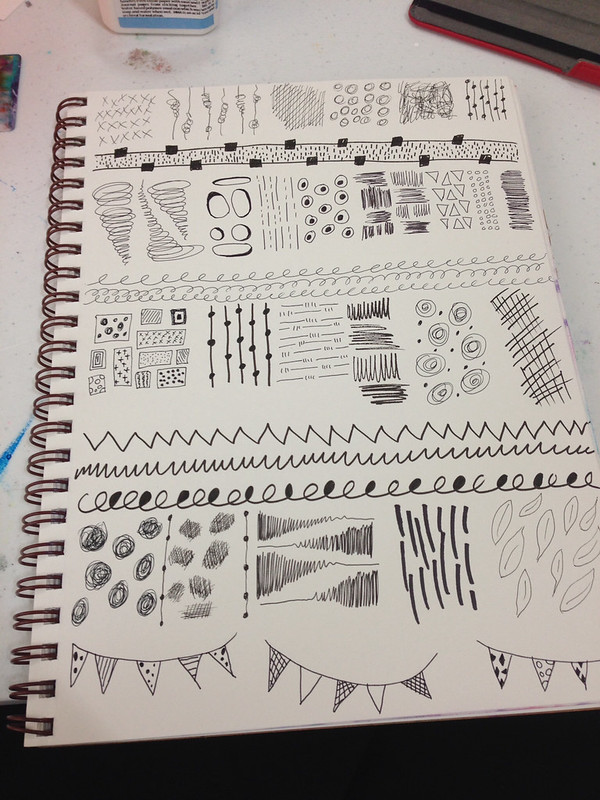
A page of marks I did in my sketchbook. All these marks were fun to create and they can be taken further in computer programs like Illustrator and Photoshop.

I post my sketches, doodles and iPad art to Instagram and I get a lot of likes. The majority of the art posted to Instagram is simple. Seeing this positive feedback has made me take a hard look at what I create and how I create. I've decided I'm going to buckle down this August when both my kids are in school and create art for licensing. I'd love, love, love to go to Surtex next May and I would need a boatload of art to do this. I'm going to embrace simplicity of form. I'm going to master (or be super comfortable with) Illustrator and Photoshop. I'm going to get collections under my belt. I won't completely abandon the art making I've made in the past. It's fun to get messy with paint. It's just not going to be a priority. My Etsy shop will still exist it will have simpler art added to the mix. My Society6 shop will hopefully bulk up too. It's so fun seeing my art on things!

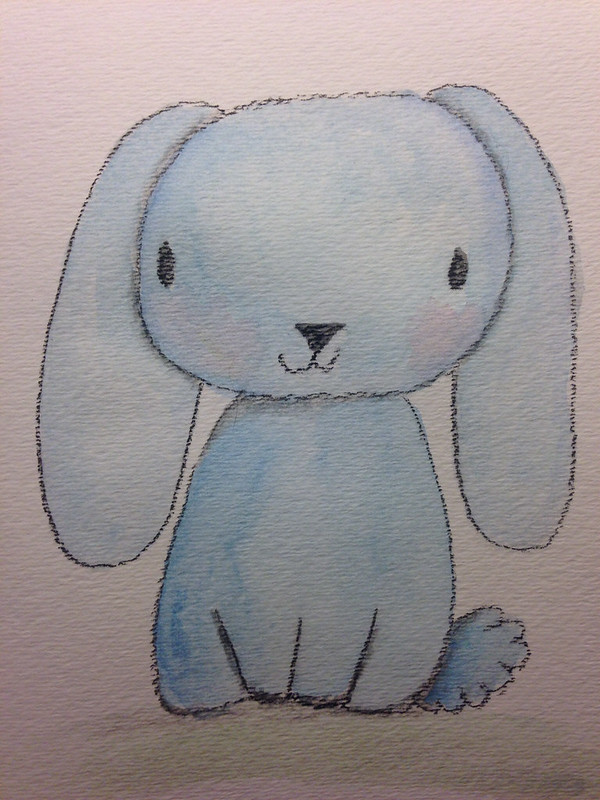
This cutie got a lot of likes on my Instagram. He's pastel and watercolor. He's so adorable!

I intend on sharing my process and what I learn on this journey. Change and growth is good.

Thanks for stopping by!


Tuesday, April 15, 2014

Inspired by Make Art That Sells

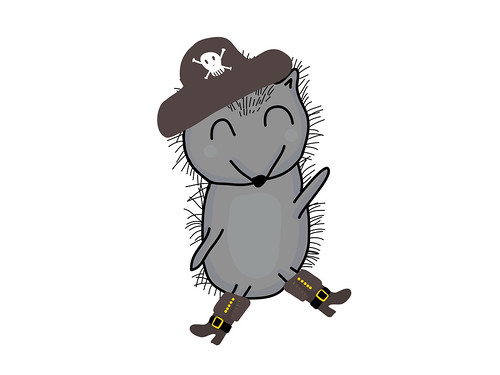
Lilla Rogers is running Make Art That Sells parts A & B again. I am not participating but if you google "make art that sells" or type #makeartthatsells into Instagram you can see the lovely art being made. I follow Zoe Ingram's blog (she won Lilla's Global Talent Search last year) and she created the cutest pirate themed baby clothing. I was so inspired I pulled out my iPad and opened Adobe Ideas and created these guys.


These are just sketches but I can see them turning into something more in Illustrator. I'm really getting the hang of making these characters on the iPad. It really helps with my work flow. It's also very fun!

Thanks for stopping by!


Monday, March 24, 2014

Make Art That Sells Bootcamp March Project

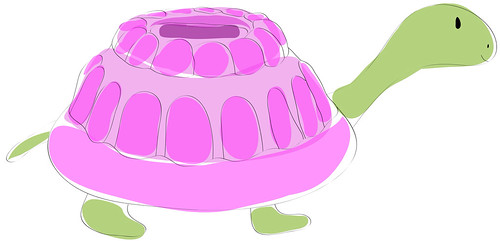
For my birthday I asked for MATS Bootcamp. This is a six month course of professional licensing assignments from Lilla Rogers. It's a great way to build my portfolio and challenge myself. Our March assignment was Jello molds. For some reason I immediately thought of a turtle with a Jello shaped shell. I don't know why but that's what I wanted to do. I also decided I was going to do it all in Adobe Illustrator. I researched and did sketches on my iPad with Adobe Ideas. I came up with this guy.
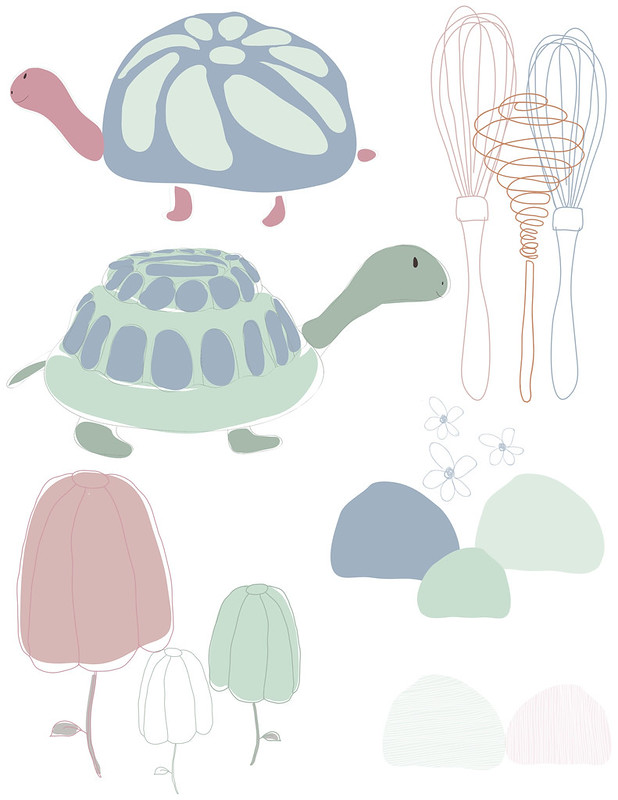
Then I created these other icons with my iPad and in Illustrator. I admit editing lines made in Adobe Ideas is a total pain. Editing big blobs of color is easier. So, I deleted my line work from Adobe Ideas and did them over in Illustrator. I have a basic Wacom Tablet and it was much easier to use since I've been playing on my IPad.
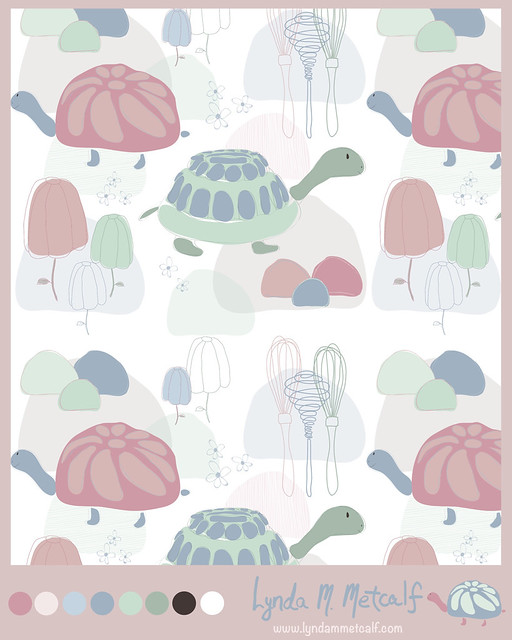
Lilla Rogers suggested a pastel palette which is totally opposit of what I normally do. I decided to stretch myself and give it a go. I created a pattern and used Illustrator's new Pattern Maker to create a repeat. This was my final submission.
I already have ideas for coordinates. I'm not sure if I'll keep this color palette. I really like the cute turtle I did on my iPad. He's so bright and colorful. Playing around in Illustrator was more fun than I thought it would be. I created layers to help create depth, which is similar to how I paint. Work on the computer can look very flat so the layers helped a lot. I'm sure the more I play around the more I will figure out. Bootcampers are off for the month of April. Make Art That Sells parts A & B are running again. I highly recommend the courses if you are serious about making a living with your art.

Thanks for stopping by!

Friday, January 24, 2014

Feeling a Little Lost

I've been thinking a lot about the art I create lately. I've been feeling lost. It's not that I dislike the art I am making. I am just not sure if it's "me". I think The Make Art That Sells e-course changed how I look at my art. I want to make art that I love but it also has to be marketable. So, I am questioning everything I am creating. I just want to enjoy making art but I also want to sell it so, where is the balance? How do you balance being commercial and being true to yourself? I decided I've been overthinking things and my problem may be that I haven't found my style. I've found some of it, but not all of it. My art is also not quite focused for a specific market. So, I've gone into analysis mode and started thinking about where my love of art comes from. Why do I love art?

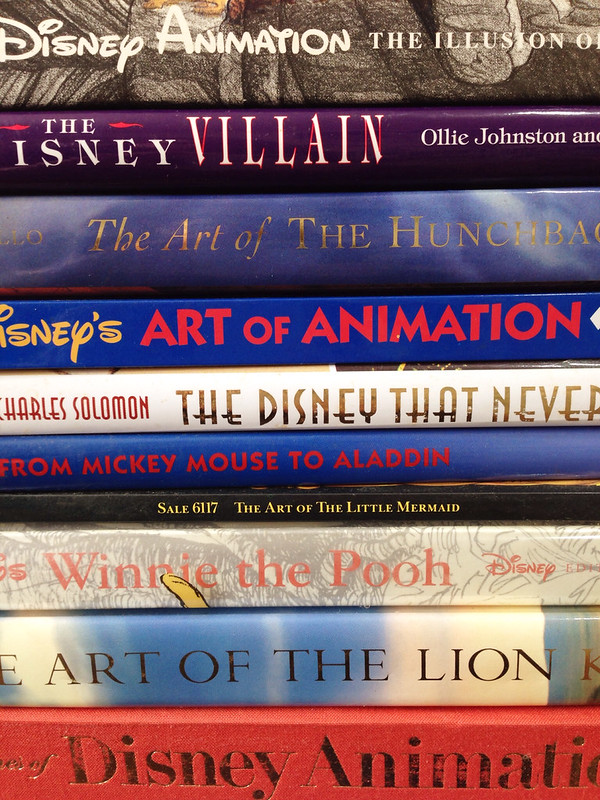
When I was growing up I loved (and still love) Disney Films. I watched the Disney Channel when if first came onto cable and they actually showed all the classic cartoons. I have quite a collection of (now out of print) books on Disney Animation. I used to trace the characters and color them in. I still love to look through the books and I now get to watch the movies through my children's eyes.


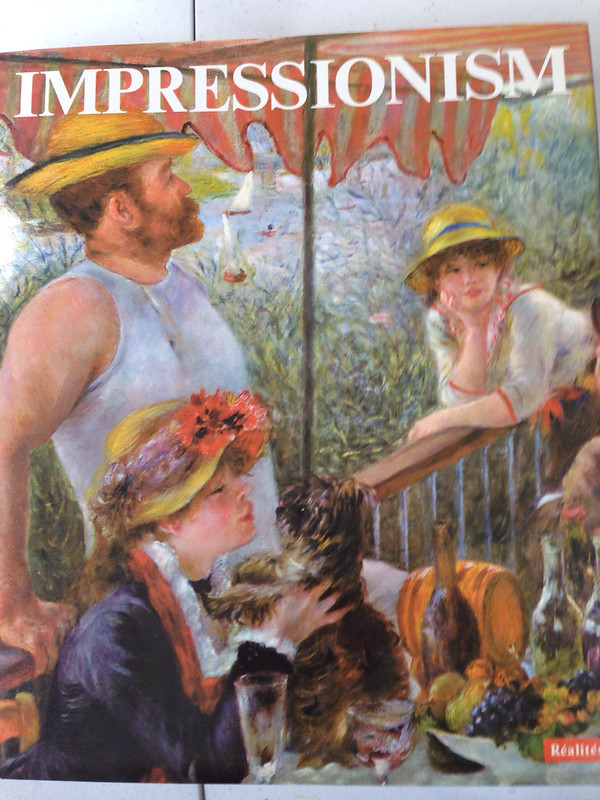
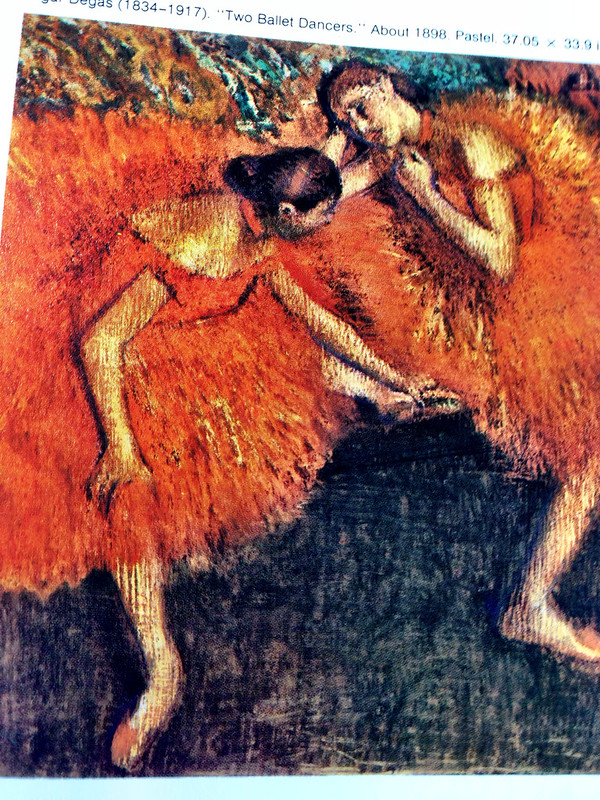
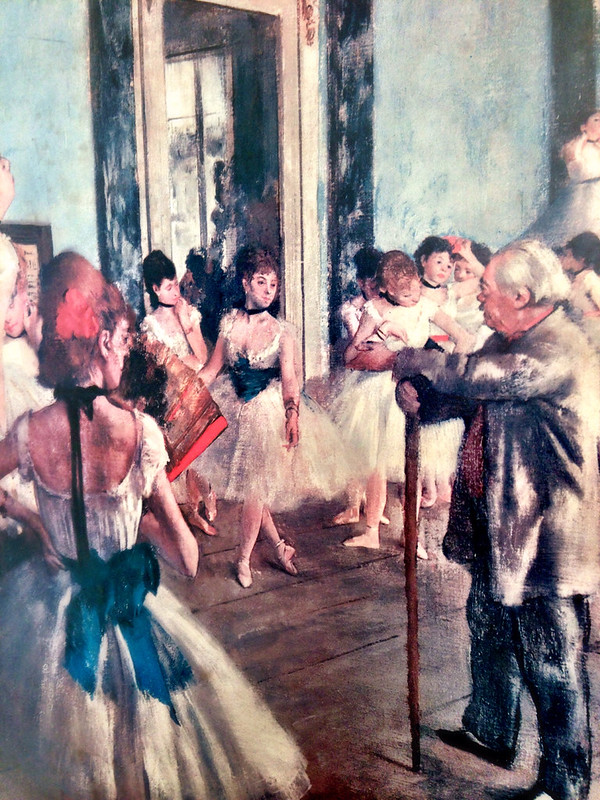
In high school I fell in love with Impressionism. I actually enjoy most fine art but Impressionism is my favorite, especially Degas. I love the color and texture in Impressionist paintings. I also like how they captured daily life and landscapes.

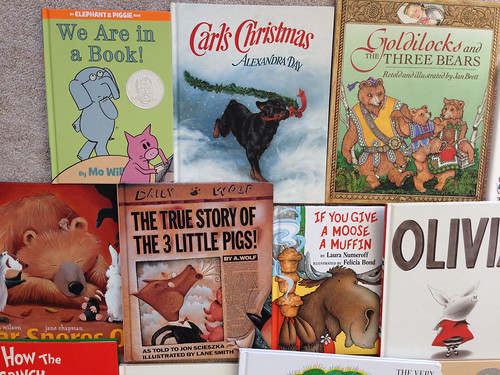
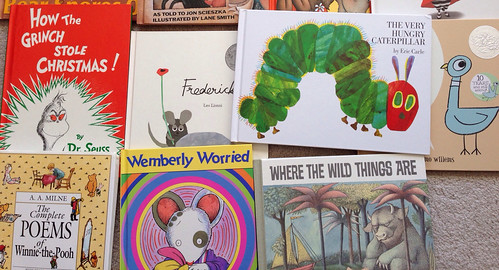
In my 20's and 30's I worked in several different bookstores and my favorite department was the children's section, especially picture books. I loved the stories and the art. The best part of picture books is that the art can be so different. Below are pictures of just some of the books in my collection. I have a lot! I think my favorite thing about picture books are the characters created. The trick to creating an excellent picture book is that the words and the pictures work well on their own but are perfect compliments to each other. I was recently reading a Frog and Toad (by Arnold Lobel) story to my son and he was cracking up at the story and the pictures.

So what does all this mean for my art and what I create? I'm not sure yet. I think I have some of the whimsy from Disney, some texture from the Impressionists and characters from children's books already floating around in my art. I just need to keep drawing and working and drawing some more. I have been experimenting with other media too. My beginnings in art was in the craft world. I was a certified Donna Dewberry Muralist. As much as I enjoyed being a crafty painter I'd like my work not to look "crafty". This is my personal preference. Most important though I need to remember what kind of art makes my heart sing.


Thursday, November 21, 2013

The Coolest Thing

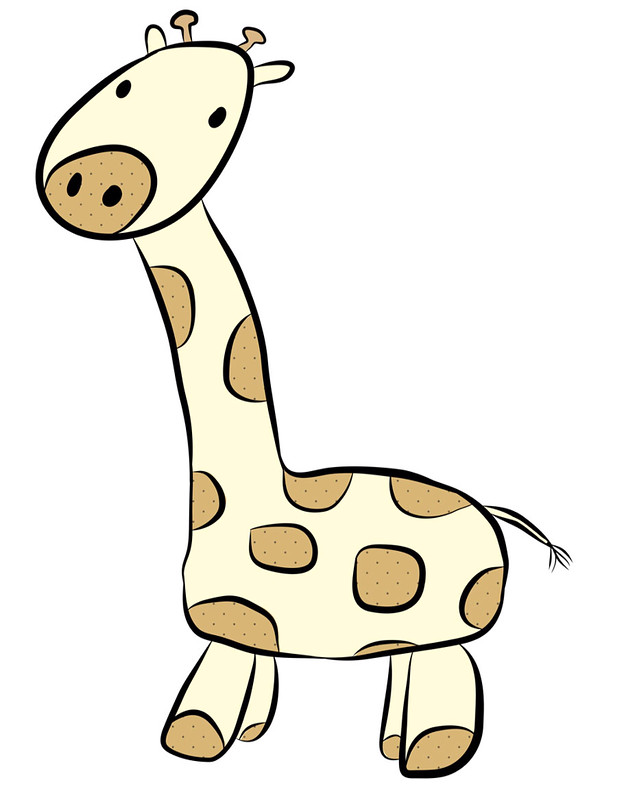
Since "Make Art That Sells" ended I've been giving Adobe Illustrator (Ai) a go. It is quite the challenging application but it can do so much. It's actually the perfect medium to play in with the little sketches that I do. While playing around I decided to utilize my iPad and use Adobe Ideas. This app is vector based (just like Ai) and you can share your "ideas" to Adobe Cloud and then download them into Ai.

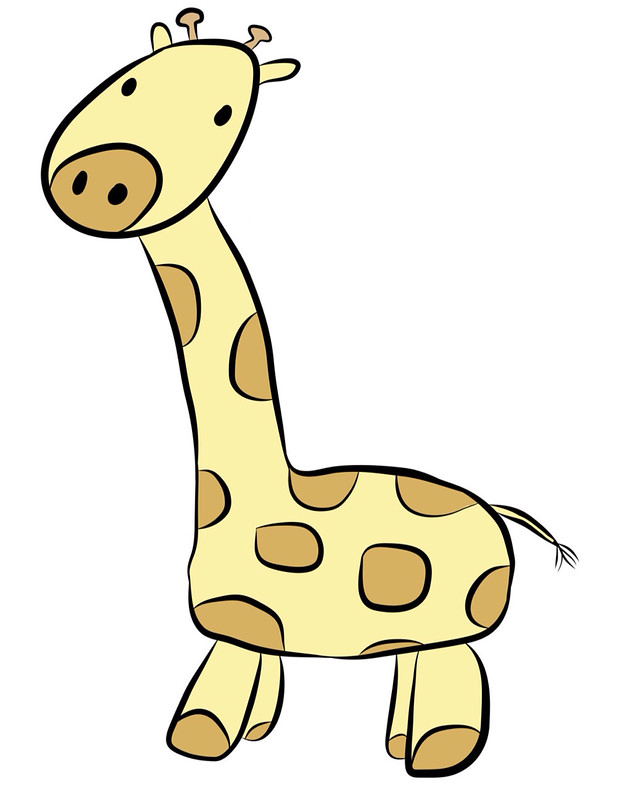
I found this photo from my sketchbook and traced the giraffe and then colored him in all on the app. When I downloaded the image into Ai I was able to correct all my mistakes and I can edit and manipulate it even more!


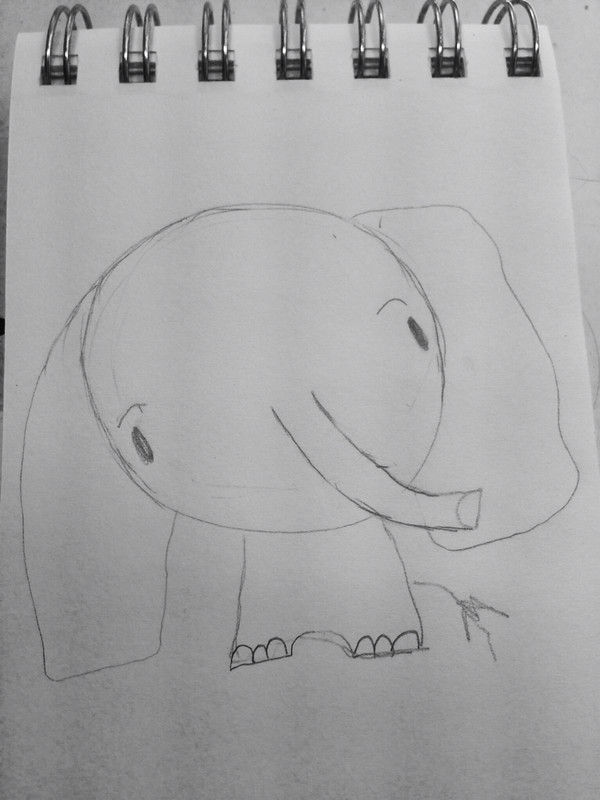
And here is a not so great photo from my mini sketch book.

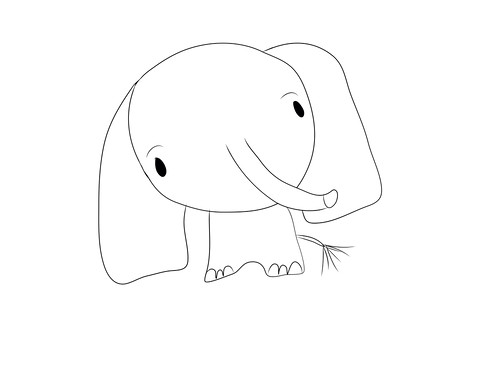
I traced it and played on my iPad.

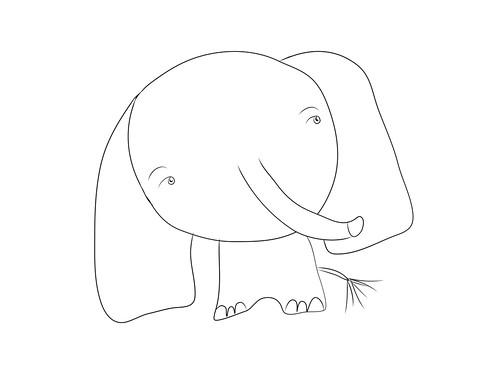
And then I played a little in Ai.

I'm still getting the hang of everything and how the two programs work together. This has loads of potential that is super exciting for me. I can use my sketchbook and existing art in a whole new way! Things that I didn't see as having potential for a finished piece may work perfectly in this format. How fun!

Click here to read about the apps Adobe has for the iPad.

And if you don't have Illustrator you can try it here free for 30 days. It is not intuitive so, you would need to check out YouTube or Lynda.com for tutorials. I like Laura Coyle's YouTube channel.

Thanks so much for stopping by!


Tuesday, November 12, 2013

Diary of a "Make Art That Sells" Student: Weeks 3, 4 and 5 of Part B

Sorry I've been absent these past few weeks.  MATS Part B became very challenging for me and I also got sick so that didn't help.  Here are my projects for weeks' 3 through 5.

Week 3 was Scrapbooking week and I thought I was going to have an easy time with this one.  Nope. I found it quite difficult.  I think it was the subject matter, cameras and typewriters.  I don't normally draw objects.  I like characters better so I couldn't envision anything.  I also prefer the papers section of the Scrapbooking department and the focus was more on icons for stickers and embellishments for pages.  I don't go into that section.

I came up with these icons and used Illustrator to make the line drawings look cleaner.

Then I randomly chose 5 colored pencils to come up with a color scheme and played with layers in photoshop.


I think they look kind of cool but I'm not head over heals in love with this design  Below is the final presentation.  I tried to create "patterned paper" like you would find in a packet of paper.  I will likely revisit this and see if I can come up with something more interesting in the future.  


Week 4 was editorial and our mini was about lettering our town's name.  I had a sinking feeling the main assignment was going to be a map and I was right.  I had no clue how to do a map so, I decided to show the places you can take your kids in our area.  Morrisville has several parks and other interesting places to take your kids that you may not normally think of going.  Since the theme was "kid" oriented I took inspiration from Eric Carle and made a collage from painted paper.

My Icons


 My Final


I think its pretty good for a first try.  I love my boat, plane and firetruck.  I may need to use those for something else.

Our last week was Party Paper and the mini was all about Ukrainian or Bavarian Folk art.  Years ago I used to do craft painting and a lot of it was "folk art" style with swirls and flowers.  I was never a huge fan of that style but I went for it anyway.  I liked the Ukrainian better than the Bavarian.  I pulled out the paints and chose my favorite colors.  I even pulled out my special paint brushes that are often used just for "folk art painting".  They help the artist make flowers quickly.

These are my icons.


And this is my final presentation.


I really like how this came out.  It's bright and colorful and fun.  I think these icons can be used on lots of other things too.  I felt really good while I was creating this project (despite the fact that I was also sick with a horrid cough).  

Now the class is over and it's time to get motivated and get to work.  I know I am getting a better grasp of this licensing thing.  It's all about icons, icons, icons.  More importantly though it's about doing what you love.  I love to draw, paint, use bright colors and use characters in my work.  I think if I keep these things in mind when creating I will come up with a good collection.  I also have a really decent grasp of Photoshop.  I spent two days painting icons for my last project and two days on the computer assembling everything.  Who knew photoshop could be so helpful with art!  Stay tuned to see what happens next in my career!  Now, off to work!

Thanks for stopping by!

P.S.  More things will be added to my Etsy shop as well.  If you haven't visited yet, please stop by and check things out.