Showing posts with label art licensing. Show all posts

Wednesday, September 17, 2014

Designing Pattern Collections

I have pulled myself out of my funk after Lilla Roger's Global Talent Search and I'm filled with creative energy. I found the most amazing course on Creativelive.com called Design Surface Patterns From Scratch with Bonnie Christine. Bonnie reveals all her secrets showing step by step how she creates her designs. She uses Adobe Illustrator (Ai) and I have struggled with this program. It can do hundreds of things but I don't need to know everything it does. I only need to know how to use the program to make surface pattern designs. This is the first course I have found that shows you the creative process using Illustrator for Surface Pattern Design from beginning to end. It has great video instruction, lots of info and Bonnie Christine in an inspiring instructor.

Much of her beginning process is what I learned in Make Art That Sells; find inspiration and sketch, sketch sketch. The big eye opener for me was how to transfer my sketches into Illustrator and maintain my hand drawn look. I don't like the perfect shapes you often see in vector drawing so it's very important to me to maintain my style and personality in my drawings. Bonnie uses Image Trace, the Blob Brush, the Pen Tool and the Pencil Tool in various ways to bring her drawings into Ai. I love the Blob Brush so I had a blast using my Wacom Tablet and bringing my sketches into a vector format. My other best friend became the Smooth Tool (which is in the fly out menu of the Pencil Tool). You can use this tool to smooth out your lines if they're a little wonky. It also works well with drawings brought in with Image Trace to help smooth out lines and reduce anchor points.
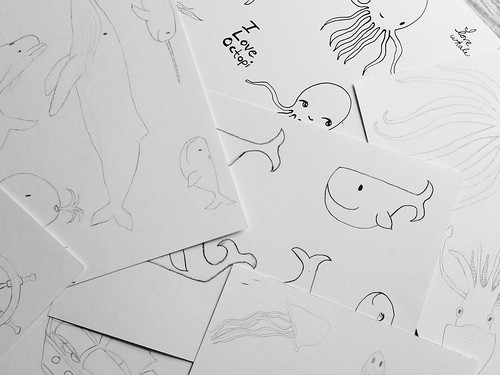
I went through my sketches for the nautical assignment from Make Art That Sells Bootcamp and started my first collection.
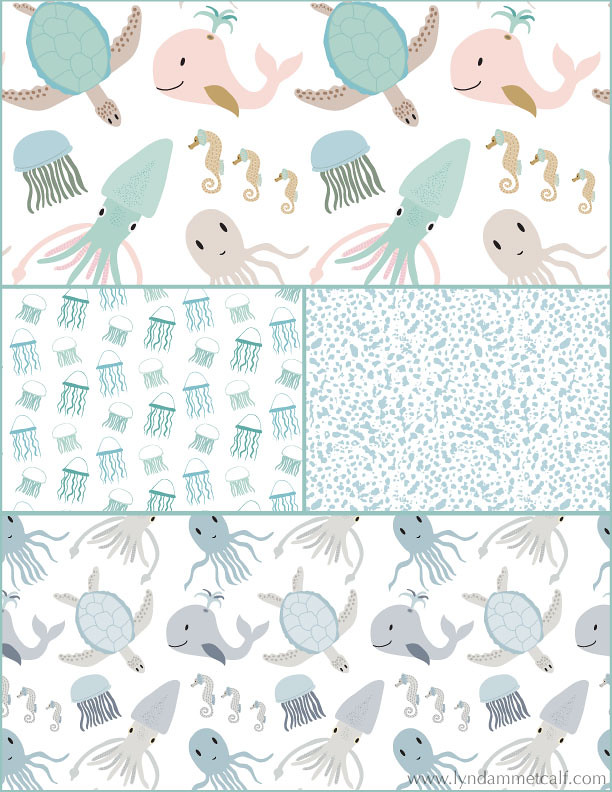
My main print is the sea creature print which I've done in a girl themed colorway and a boy themed colorway. I created a supporting jellyfish print and the abstract dot print is actually a piece of coral I photographed and Image Traced it to change it to vector. Using photography for vector drawing was something I hadn't tried before and it's so cool!

One thing Bonnie doesn't use often is the Pattern Tool new to Illustrator in version CS6. I'm going to try and see if I can conquer it. I used the Pattern Tool to make the above patterns. I think some artists don't like it because it's easy to see where the pattern begins and ends. As long as you keep moving items around you can create a very interesting pattern. I'm also doing a course from Laura Coyle that talks all about using the Pattern Tool called Pattern Power. It's very thorough and it's free when you sign up for her newsletter. You need to have knowledge of Ai though for Laura's course. If you or a real beginner it will be overwhelming.

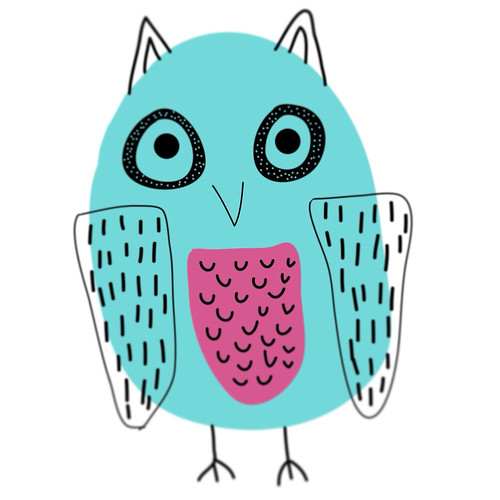
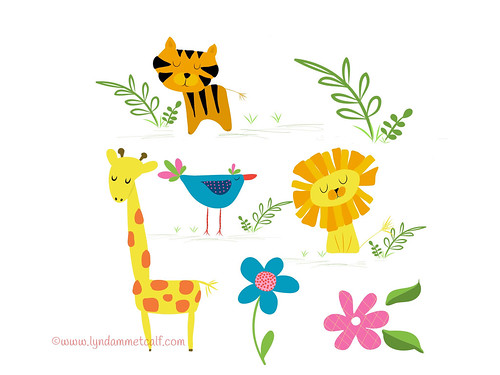
What I can't wait to dig into is putting the sketches I've made in Adobe Ideas into Ai. Adobe Ideas is a vector app that works with Illustrator. You can upload your files straight into Ai from Ideas as long as you have a Creative Cloud account and wifi. Check out these cute critters I made! The only downside is you have to clean up a lot of stray anchor points when you bring it into Illustrator.
If you are interested in creating patterns from your art I highly recommend Bonnie Christine's course. The beginner and the professional alike will find this course helpful and inspiring. If you are new to Creativelive.com they often send out a coupon (I got one) to purchase past classes. Bonnie's course is around $80 and so worth the money. Other courses I've had my eye cost $100's more and this one has everything you need to get going. Below I will provide links to all the things I've mentioned.
 
 
I hope you find all this info helpful. Thanks so much for stopping by!


Friday, August 22, 2014

The Final "Make Art That Sells" Bootcamp Assignment

For our last assignment Lilla Rogers did things a little differently. We had to make a personal piece of art that we would either give as a gift or keep for ourselves and we weren't allowed to share any sketches or our final piece in the Facebook group. You could hear the screams and collective gasps from fellow Bootcampers around the globe. The Facebook groups in MATS are very active and supportive. Getting feedback can help give an artist perspective, inspiration or that ego boost we need (unless no one comments on your work which has happened). Many campers were upset with this but I actually liked this idea. I'm sometimes influenced by what my artsy friends are posting. "Ooh, that's a good idea" or "I was going to do it that way, now I can't" or "Wow, everyone's work is way better than mine!" All these thoughts freeze me up and I have difficulty creating. I was relieved I couldn't see other's posts since I was at a loss of what to do. The subject matter was to create art of your favorite drink. I don't draw or paint drinks. Ahhhhh!

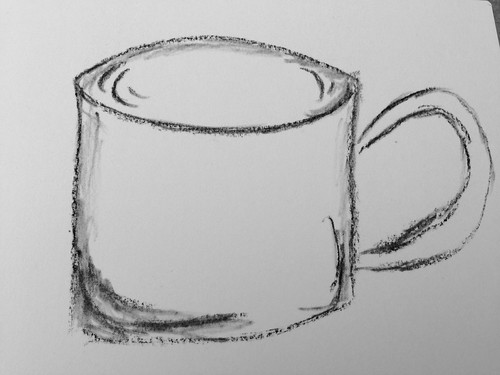
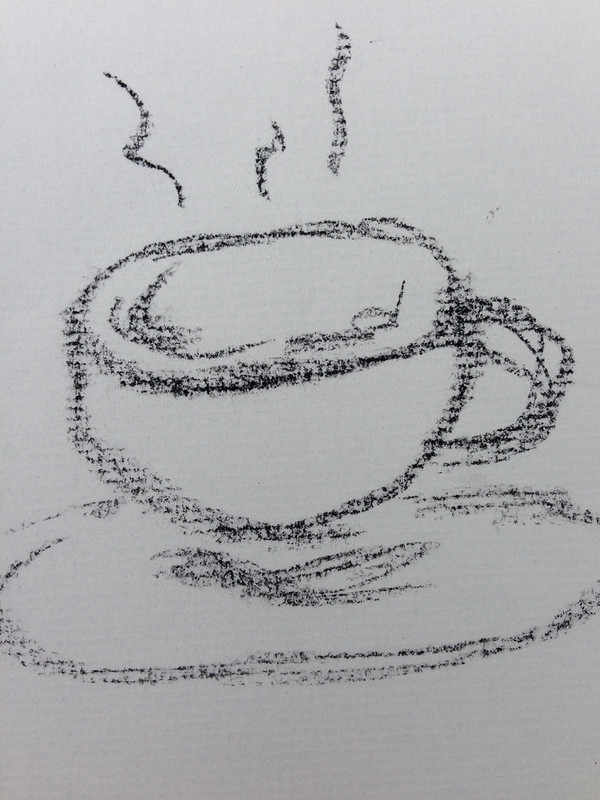
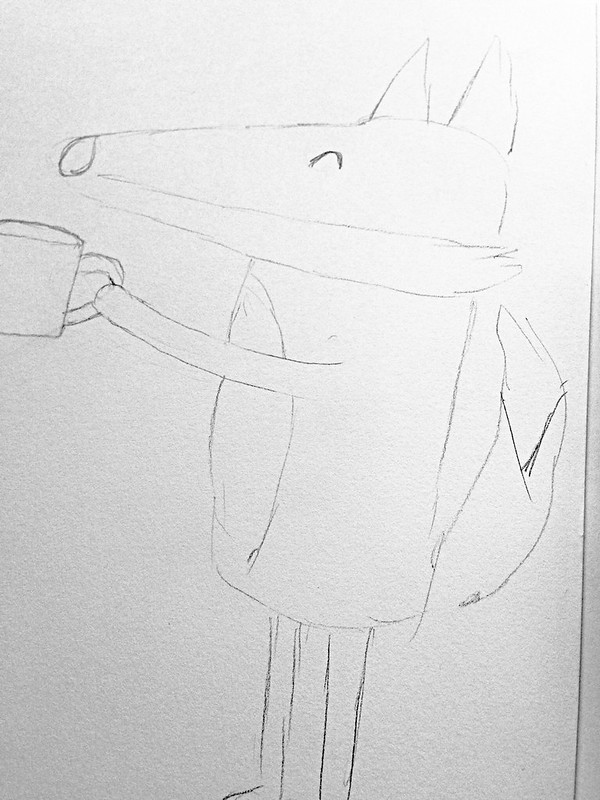
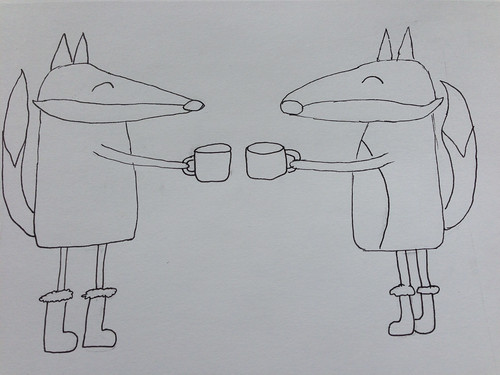
I drink coffee and I did drawings of cups and tried some lettering but no ideas were coming except mixed media art you might see hanging at Starbucks. That's not the kind of art I make. I tried an abstract piece of coffee beans and that was a bust. Then I thought about what I like to draw: characters. So I played a bit with different critters drinking coffee or hot chocolate (my other favorite drink).


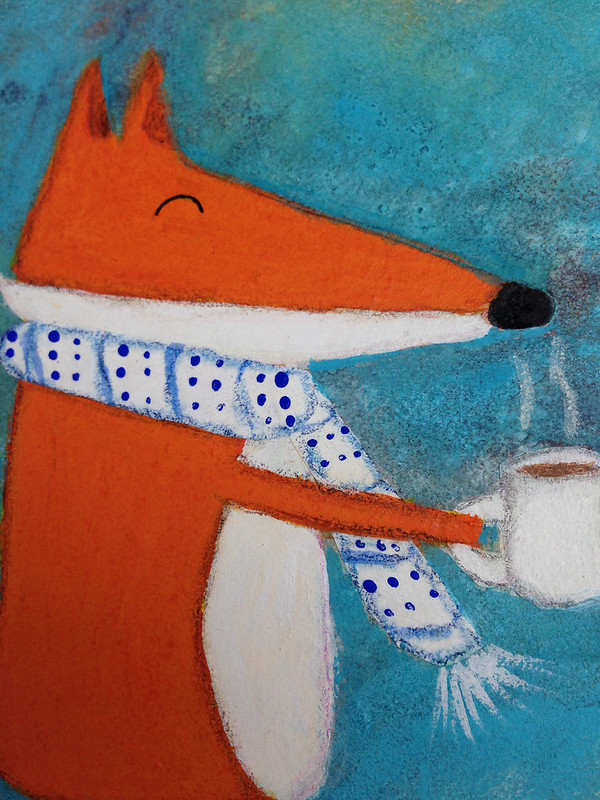
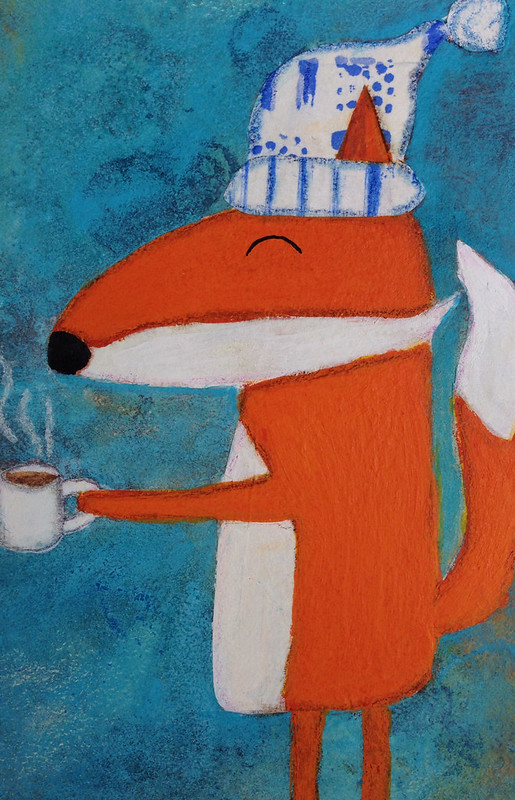
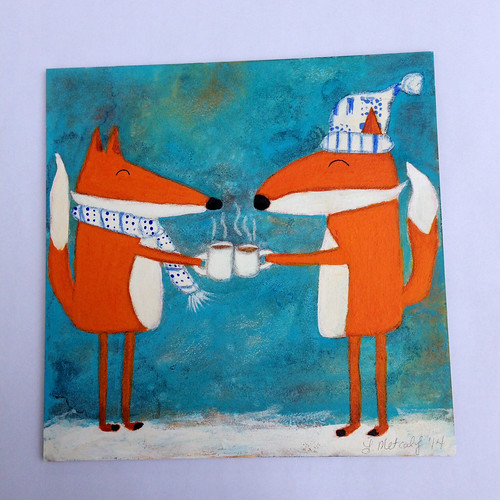
I took out my favorite paints and inks and created art for me with foxes and hot chocolate (yum!).


I am so happy with how this turned out. It's a fun piece of art. I did some collage and played with my inks and made fun characters. Surprisingly it only took me a couple of hours to do this piece. It hasn't flowed that easily for a while and it never really flowed that easily for a MATS assignment. Don't get me wrong, I loved all the classes and will likely do Bootcamp next year but it was so helpful to not see what other people were doing. I haven't decided if I want to put this as a print in my shop or save it for a holiday card or maybe make a series of critters with food for holiday kids plates. It's one of the best things I've done and I think it could be great for licensing.

Next week I'll share my piece for Lilla Roger's Global Talent Search. The galleries of the entries including the top 50 will post the 26th of August and I'm going to wait to share my art until then.

For artists interested in licensing and creating marketable art, Assignment Bootcamp is a great course. You get a real good idea of what a real life assignment from a manufacturer is like. Click here to get more info on next year's Bootcamp.

If you like an intense class to learn everything there is to learn about making art for licensing, just click here to learn about Make Art That Sells.

Thanks for stopping by!


Monday, July 14, 2014

What I've Been Thinking About Lately

I know. I know. It's been over a month since I last blogged. I have been lost in thought about my art, my blog and the state of my career. August 4th everything changes. Both of my children will be in school from about 8:30am to 4:00pm Monday thru Friday. It will be time to buckle down and really get serious. It's exciting and scary at the same time. I've mostly been thinking about my art and my style. I really want it well defined. I don't want to look at my art and just see the techniques I learned from an online class I've taken. I want to look at it and see "me". It's very difficult to bring that into the computer for licensing. You don't need to have computer skills to be licensed but if you have them, you will have more opportunities. I follow a lot of different licensed illustrators and one of my favorites is Helen Dardik. Her work is colorful, whimsical and lush. Most importantly her traditional and computer art are very similar.

Here is a piece Helen Dardik did in Illustrator.

And here is one of Helen's watercolors.

Even though she used a computer for one piece and traditional materials for the other, you know it's Helen Dardik's art. This is where I want my art to be. I want people to look at it and know it's Lynda M. Metcalf's art whether I used my computer or my paintbrush.

I still have a lot of work ahead of me. I think I'm close to having "my style" but I'm not quite there. I also need to treat the computer as another art supply. It's amazing what can be accomplished with Illustrator and Photoshop but it's a lot to learn. Soon I'll have more time. I better come up with a plan to use my time wisely so I can accomplish all I want to!

Here are links to Helen Dardik's work if you want to get lost for a little while.

Illustration

Watercolors

Patterns


Thanks so much for stopping by. And don't forget to click the links above to check out Helen's work.


Thursday, May 29, 2014

Changing Direction

For the past month I've been in a funk. I haven't wanted to do art or blogging (obviously). A lot has been going on since the end of April but that's not the only reason I've been absent. I haven't been into making the art I usually make. It's not that I don't like the art I've made. I do. I love the characters, colors and texture but I want to do something else.... Something more.


An iPad doodle in Adobe Ideas

When I took Make Art That Sells last year it opened up all these other opportunities for my art. I used to think making art was about going to craft shows and opening an online store. But now it's about so much more. I can create art that can go on things like wrapping paper, clothes and bedding. That just amazes me. I have found that making art for licensing is completely different than making it for my shop. In my opinion it's about simplicity and icons. You can combine and layer the icons to make things more complex but the pieces themselves are simple. I really like the idea of having lots of simple pieces and then putting them all together to make something completely new. Learning how to combine these things has been my biggest challenge.

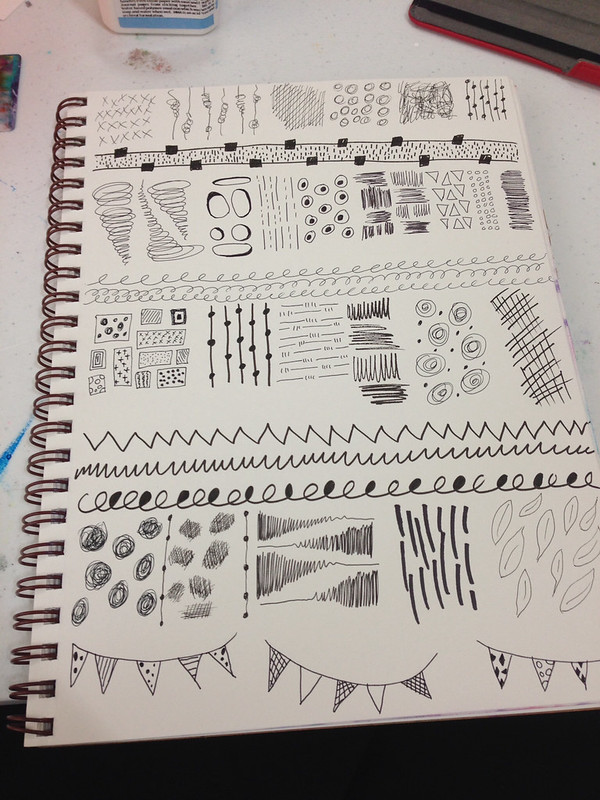
A page of marks I did in my sketchbook. All these marks were fun to create and they can be taken further in computer programs like Illustrator and Photoshop.

I post my sketches, doodles and iPad art to Instagram and I get a lot of likes. The majority of the art posted to Instagram is simple. Seeing this positive feedback has made me take a hard look at what I create and how I create. I've decided I'm going to buckle down this August when both my kids are in school and create art for licensing. I'd love, love, love to go to Surtex next May and I would need a boatload of art to do this. I'm going to embrace simplicity of form. I'm going to master (or be super comfortable with) Illustrator and Photoshop. I'm going to get collections under my belt. I won't completely abandon the art making I've made in the past. It's fun to get messy with paint. It's just not going to be a priority. My Etsy shop will still exist it will have simpler art added to the mix. My Society6 shop will hopefully bulk up too. It's so fun seeing my art on things!

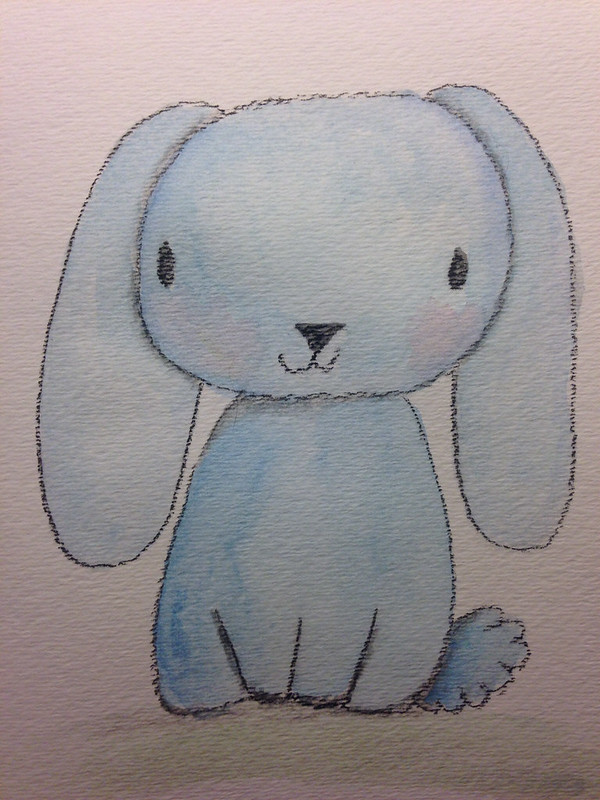
This cutie got a lot of likes on my Instagram. He's pastel and watercolor. He's so adorable!

I intend on sharing my process and what I learn on this journey. Change and growth is good.

Thanks for stopping by!


Saturday, April 19, 2014

Happy Easter

Wishing everyone a Happy Easter and (hopefully) a sunny spring weekend!

Thanks for stopping by!


Tuesday, April 15, 2014

Inspired by Make Art That Sells

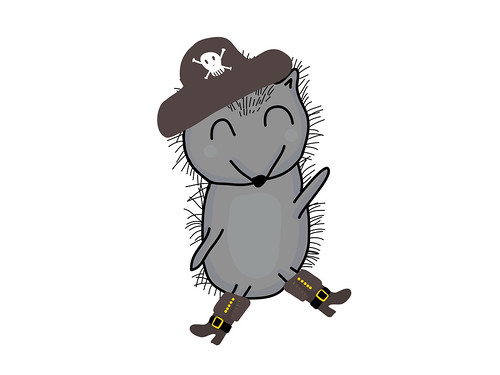
Lilla Rogers is running Make Art That Sells parts A & B again. I am not participating but if you google "make art that sells" or type #makeartthatsells into Instagram you can see the lovely art being made. I follow Zoe Ingram's blog (she won Lilla's Global Talent Search last year) and she created the cutest pirate themed baby clothing. I was so inspired I pulled out my iPad and opened Adobe Ideas and created these guys.


These are just sketches but I can see them turning into something more in Illustrator. I'm really getting the hang of making these characters on the iPad. It really helps with my work flow. It's also very fun!

Thanks for stopping by!


Monday, March 24, 2014

Make Art That Sells Bootcamp March Project

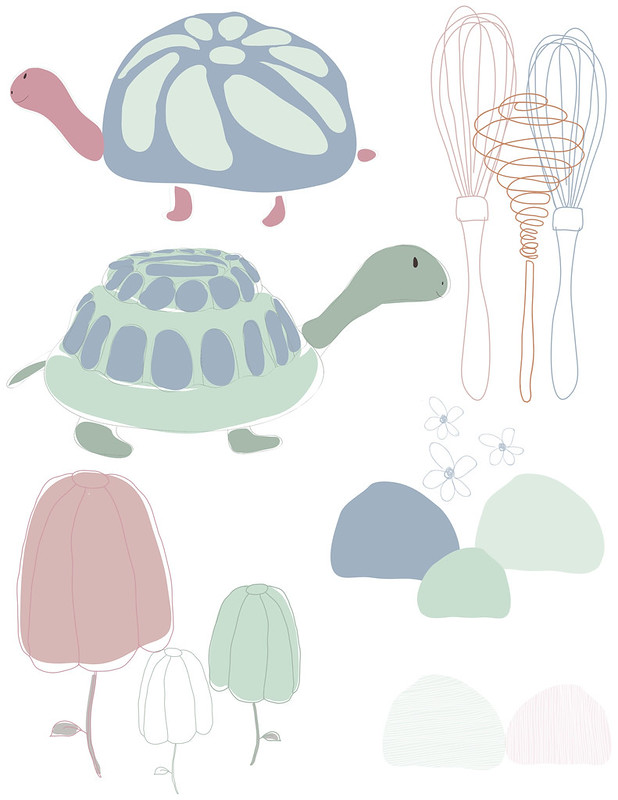
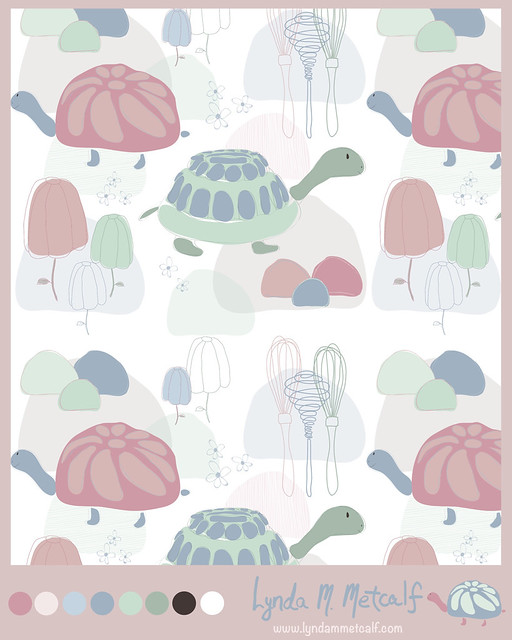
For my birthday I asked for MATS Bootcamp. This is a six month course of professional licensing assignments from Lilla Rogers. It's a great way to build my portfolio and challenge myself. Our March assignment was Jello molds. For some reason I immediately thought of a turtle with a Jello shaped shell. I don't know why but that's what I wanted to do. I also decided I was going to do it all in Adobe Illustrator. I researched and did sketches on my iPad with Adobe Ideas. I came up with this guy.
Then I created these other icons with my iPad and in Illustrator. I admit editing lines made in Adobe Ideas is a total pain. Editing big blobs of color is easier. So, I deleted my line work from Adobe Ideas and did them over in Illustrator. I have a basic Wacom Tablet and it was much easier to use since I've been playing on my IPad.
Lilla Rogers suggested a pastel palette which is totally opposit of what I normally do. I decided to stretch myself and give it a go. I created a pattern and used Illustrator's new Pattern Maker to create a repeat. This was my final submission.
I already have ideas for coordinates. I'm not sure if I'll keep this color palette. I really like the cute turtle I did on my iPad. He's so bright and colorful. Playing around in Illustrator was more fun than I thought it would be. I created layers to help create depth, which is similar to how I paint. Work on the computer can look very flat so the layers helped a lot. I'm sure the more I play around the more I will figure out. Bootcampers are off for the month of April. Make Art That Sells parts A & B are running again. I highly recommend the courses if you are serious about making a living with your art.

Thanks for stopping by!

Thursday, March 6, 2014

Let the Countdown Begin!


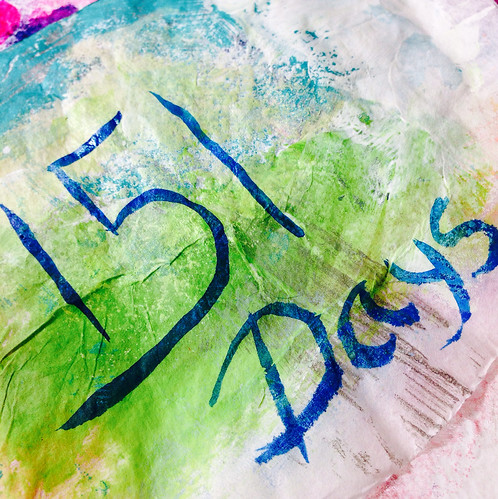
This is how many days I have until I can work at my art full time. Both my kids will be getting on the bus around 8:15 and getting home around 4:30. If I work about 9:00-4:00 five days a week that's 35 hours a week to create and work at my business. I decided to start a countdown to give me a goal; A focus.

Things have been a bit crazy the past couple of weeks. We've had snow and ice with school closings. I had lots of little things to get done before I went into the hospital for surgery. Then I've been recovering from surgery. Things are finally leveling out and getting back to normal. While I was recovering I spent time thinking about my art and my frustrations. I get really annoyed at not having time. I'm talking 4 or 5 hours in a row of uninterrupted time. It just doesn't happen often. So, what can I do about it? How can I get what I want? I think I need to let go of the desire of having hours of uninterrupted time and just steal minutes where I can. Focusing on "time" has become a roadblock so I'm changing my thinking.

I'm taking "Year of the Fairy Tale" from Carla Sonheim and this month's assignment has been about "quantity" over "quality". We have to make lots of quick sketches and paintings instead of intensely working on a few paintings/sketches. I love this concept. It puts all the focus on the process of making art instead of the final product. So, I'm going to make as much art as possible and not care if it's "good enough" to sell or if it will "work" for licensing. I'm just going to make the art and have faith beauty will emerge. Some of the best things I've made have been when I just got lost in the moment of making art.

My art buddy Juliette Crane has been painting on paper and she has piles of paintings now that were quick to make and are lovely. And my friend Mindy Lacefield had a post of all her work from last year. Over 100 paintings. I can't even imagine accomplishing that! If I let go and just think of any minute spent on making art as valuable I know I will have a wonderful body of work. I'm just going to sketch, doodle, paint and create. Whatever time I get will be time well spent because I'm not going to worry about the "quality". I'm going to enjoy the process!

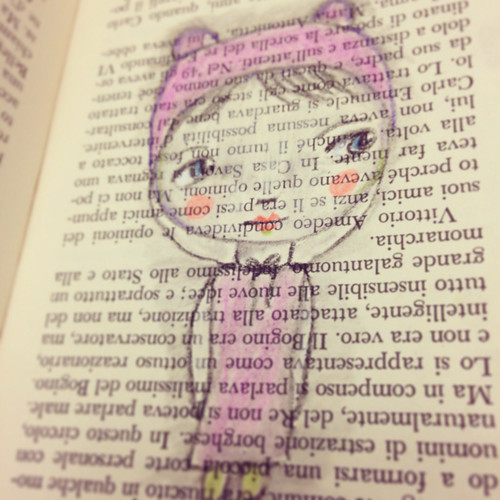
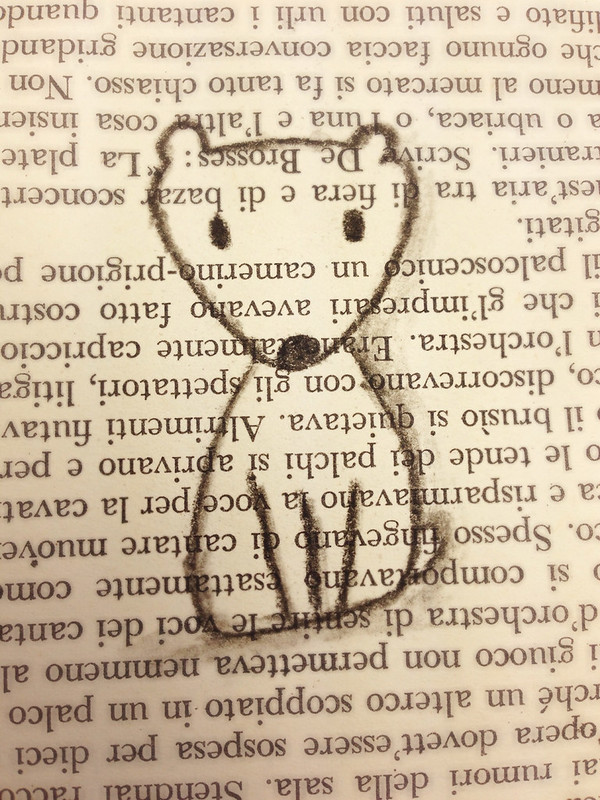
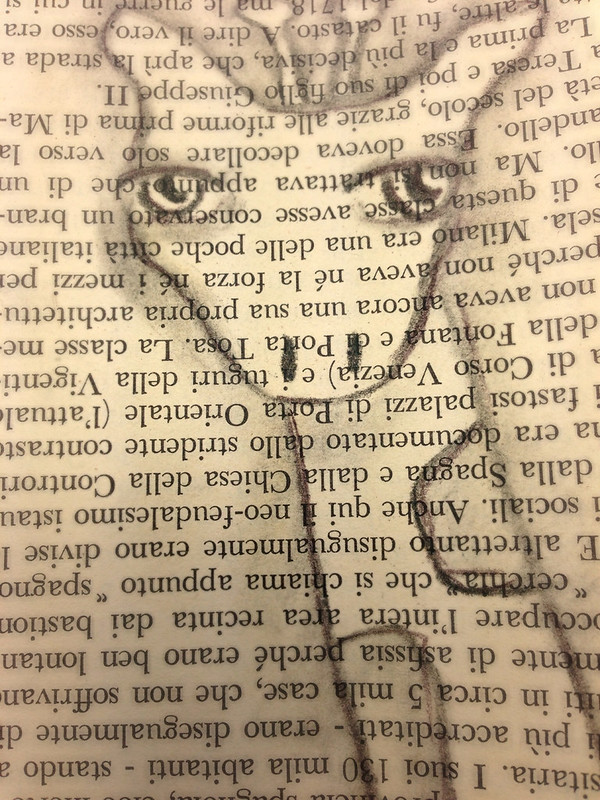
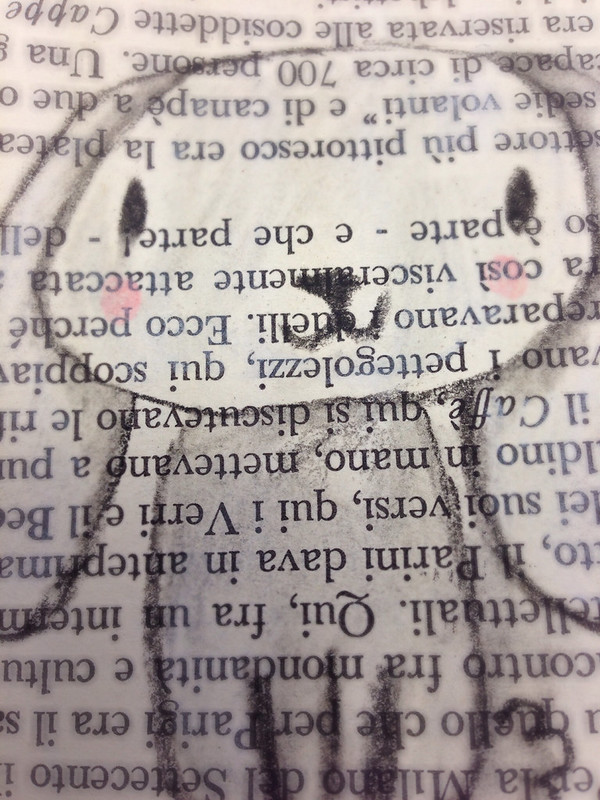
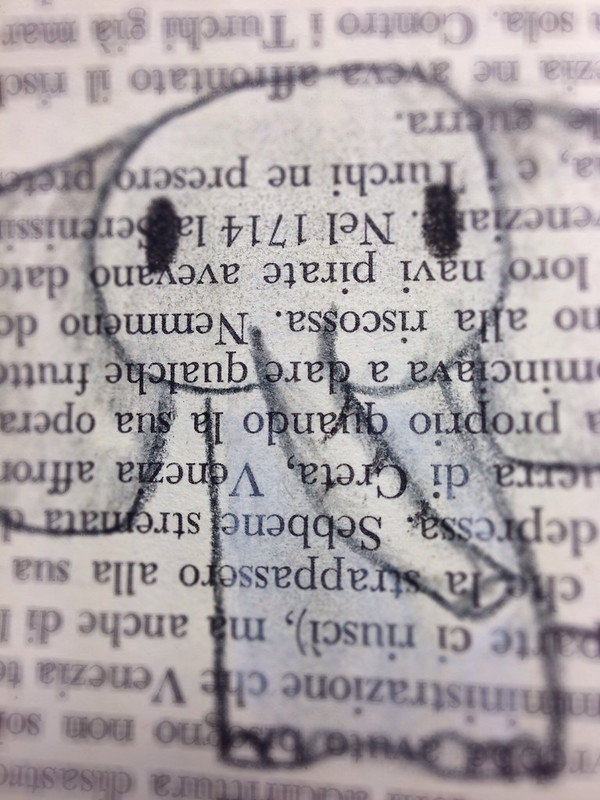
Here are fun charcoal sketches I've been making on book paper. They take a few minutes to create and they are so dang cute!

I love these little drawings. The charcoal has a nice bold line and you can easily smudge and shade for depth. I can see some of these pieces being used in something else down the road. Every mark has value because it leads to another and another and another.


Thanks for stopping by!


Wednesday, December 18, 2013

My New Favorite Book

I love art books!  I find them so inspiring. This is my newest fav, Print & Pattern Kids.

It is over 300 pages long and it is filled with a variety of artists who license their work. Since I would love to license my art for children's products this is the perfect book for me to study. Here are a few of my favorite pages. The artists' names are on the photos so you can Google them.


I find myself drawn to colorful patterns with cute characters. I like the whimsical style and the hand drawn feel. These artists work on their computers but I don't feel these images have the flat/perfect vector feel. I see a lot of potential with merging my art with the computer. I just have to work on those computer skills!

You can find the book here. 

You can find the Print & Pattern Blog here. Talk about eye candy!  If you haven't checked it out, you must!