Wednesday, October 29, 2014

Finding My Style in Illustrator

I admit to feeling frustrated lately with finding my style in Illustrator.  It's a flat vector based computer program and sometimes I just don't like that look.  My artwork is usually created with lots of layers of paint and paper.  I decided to play around and see what I could come up with.  I went with my favorite subject matter and here is what I created.

These are the icons I started with. I tried some texture with my brush strokes to give the foxes depth.
I played around with the background to add more interest.
Then I tried out some patterns.

Then I played with textures I made with a very cool app from Adobe called Adobe Shape as well as the watercolor brush and I came up with this fox.
I love how he turned out.  He's much closer to my painting style and I think the texture I created is nice.  It's still a work in progress but I know I'm headed in the right direction.

Thanks for stopping by!

Thursday, October 23, 2014

Remembering Europe 2004

Ten years ago this week my hubby (then boyfriend) and I spent 10 days in Europe. We started in Canterbury, England then went to Paris, then to London and finished in Killarney, Ireland. We'd only been dating for a couple of months. Jeff was going to Canterbury for business and was planning on staying for a week to see other European cities. He invited me to go with him. Who was I to say no to Paris!

It was fun and crazy with ups and downs hopping from country to country. We actually missed our flight home due to fog in Ireland. When we go again (hopefully) I'd like to stick to one country. It was an amazing trip. We both still think about it. Here are some of my favorite photos from our first vacation together. These were taken on my good old film camera by the way. You remember film, right?

Canterbury

Paris


(How young and cute are we!)

London


(Yep. Typical tourist!)

Killarney, Ireland and County Kerry


I hope you enjoyed this little walk down memory lane. I've been very fortunate to do a bit of traveling in my life. When I was a teenager my family went to Australia! My mom has those pictures so I can't share those. I'm not a huge fan of traveling now since it's become such a hassle. We should always be exploring though. There's so much to see in this world and in my own state of North Carolina. Maybe this walk down memory lane will spark some local traveling with the family. Next week I'll share some snippets from our Disney trip. That was an adventure! One hotel room and a 5 & 6 year old. I'm still recovering.


Thanks for stopping by!


Thursday, October 16, 2014

More Sketchbook Fun

I'm continuing to explore my painting process with the Catalyst Wedge and Blade. This time I let the bunny emerge instead of trying to paint a specific animal like I did with the fox painting from this post. I also used a bamboo skewer to apply black ink for his outline and face to help keep the painting raw.


As you can see I don't let anything goto waste. I made sure to use up my paint on my palette on the other page. Who knows what will end up on that page. We shall see.


Thanks for stopping by.


Monday, October 13, 2014

Playing in My Sketchbook


I had a great time playing with my Catalyst Wedge and Blade in my sketchbook. I created this fox only using paint and the wedges. I used a felt marker for the eyes and nose. I think I need to go shopping for more Catalyst tools.


Thanks for stopping by.


Wednesday, October 8, 2014

Back to Painting Every Day

We've returned and recovered from vacation (I'll post about that later) and I'm back in my studio. I finished this sketchbook page today. 


I call it "Weeeeeeeeeeeee!"

Thanks for stopping by!

Tuesday, September 23, 2014

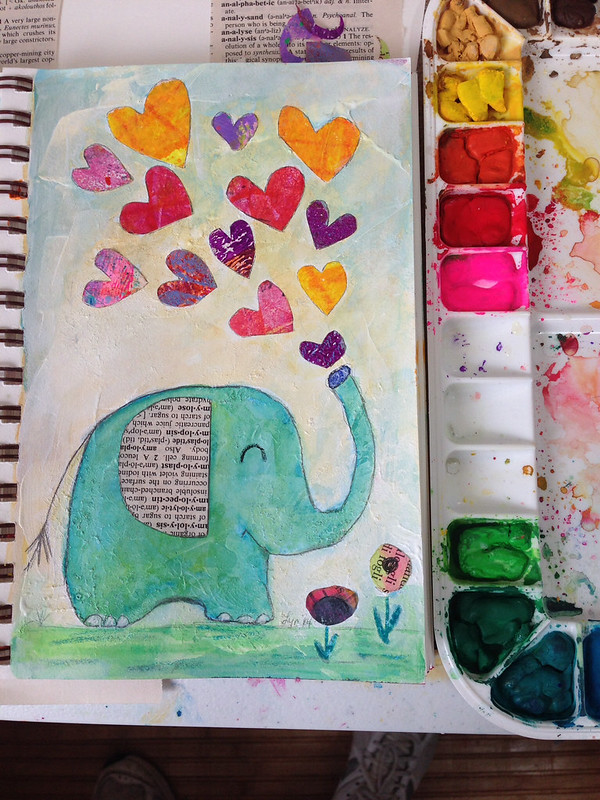
Painting Every Day

I'm trying very hard to balance drawing and painting the "analog" way with learning how to create on the computer. The computer is fun and it has the wonderful function of "command z" which allows me to go back a step or 10 steps if I mess up. But I find the computer analytical. I think it's because I'm still learning how the programs work. Painting and drawing is more meditative for me. I just go with the flow. I usually don't worry about mistakes because I can quickly cover them up or use them to my advantage. I think having a more meditative creative process feeds into my learning how to create on the computer.

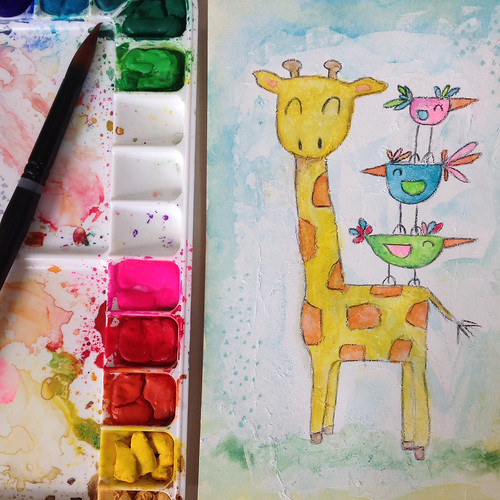
I doubt I will actually be able to paint every single day. I'm going for 5 days a week. I made my rules simple. I set my timer for 30 minutes and just go for it in a small sketchbook. So far I've been using gesso, gouache and some collage. I try to not have a lot of materials on hand so I can be quick. I've also given myself permission to quit if I'm not "feeling" the page. It's just my sketchbook. Forcing art making if you aren't feeling good about what you are creating will not result in a good piece. I think it's important to try for at least 30 minutes though as it can push me past any uneasiness in the beginning and get me into the groove. Here are some fun pages I've done so far.


They're playful and simple. I'm just goofing off and having fun!

Thanks for stopping by!


Wednesday, September 17, 2014

Designing Pattern Collections

I have pulled myself out of my funk after Lilla Roger's Global Talent Search and I'm filled with creative energy. I found the most amazing course on Creativelive.com called Design Surface Patterns From Scratch with Bonnie Christine. Bonnie reveals all her secrets showing step by step how she creates her designs. She uses Adobe Illustrator (Ai) and I have struggled with this program. It can do hundreds of things but I don't need to know everything it does. I only need to know how to use the program to make surface pattern designs. This is the first course I have found that shows you the creative process using Illustrator for Surface Pattern Design from beginning to end. It has great video instruction, lots of info and Bonnie Christine in an inspiring instructor.

Much of her beginning process is what I learned in Make Art That Sells; find inspiration and sketch, sketch sketch. The big eye opener for me was how to transfer my sketches into Illustrator and maintain my hand drawn look. I don't like the perfect shapes you often see in vector drawing so it's very important to me to maintain my style and personality in my drawings. Bonnie uses Image Trace, the Blob Brush, the Pen Tool and the Pencil Tool in various ways to bring her drawings into Ai. I love the Blob Brush so I had a blast using my Wacom Tablet and bringing my sketches into a vector format. My other best friend became the Smooth Tool (which is in the fly out menu of the Pencil Tool). You can use this tool to smooth out your lines if they're a little wonky. It also works well with drawings brought in with Image Trace to help smooth out lines and reduce anchor points.

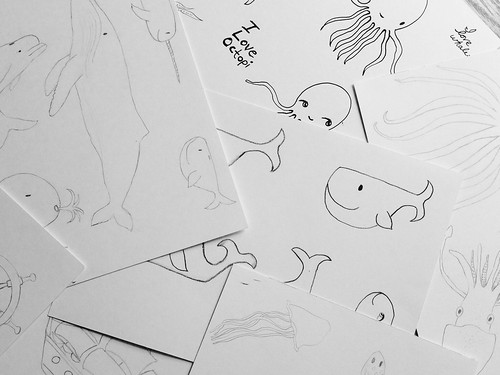
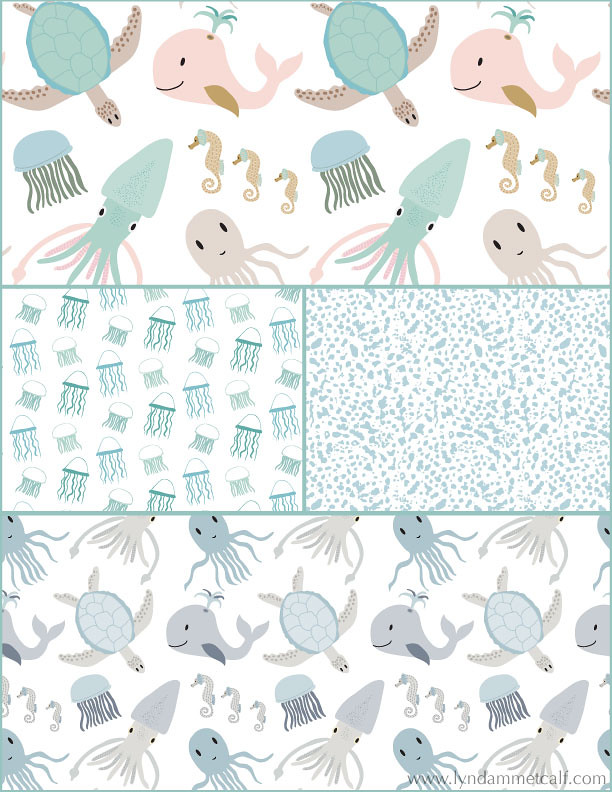
I went through my sketches for the nautical assignment from Make Art That Sells Bootcamp and started my first collection.

My main print is the sea creature print which I've done in a girl themed colorway and a boy themed colorway. I created a supporting jellyfish print and the abstract dot print is actually a piece of coral I photographed and Image Traced it to change it to vector. Using photography for vector drawing was something I hadn't tried before and it's so cool!

One thing Bonnie doesn't use often is the Pattern Tool new to Illustrator in version CS6. I'm going to try and see if I can conquer it. I used the Pattern Tool to make the above patterns. I think some artists don't like it because it's easy to see where the pattern begins and ends. As long as you keep moving items around you can create a very interesting pattern. I'm also doing a course from Laura Coyle that talks all about using the Pattern Tool called Pattern Power. It's very thorough and it's free when you sign up for her newsletter. You need to have knowledge of Ai though for Laura's course. If you or a real beginner it will be overwhelming.

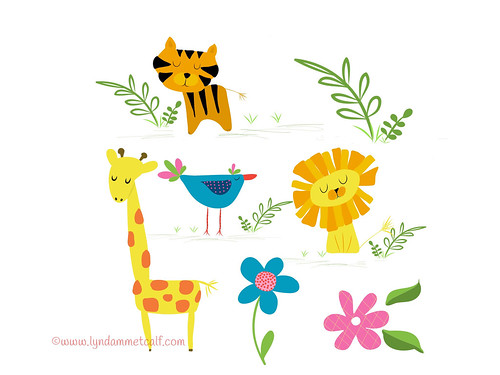
What I can't wait to dig into is putting the sketches I've made in Adobe Ideas into Ai. Adobe Ideas is a vector app that works with Illustrator. You can upload your files straight into Ai from Ideas as long as you have a Creative Cloud account and wifi. Check out these cute critters I made! The only downside is you have to clean up a lot of stray anchor points when you bring it into Illustrator.

If you are interested in creating patterns from your art I highly recommend Bonnie Christine's course. The beginner and the professional alike will find this course helpful and inspiring. If you are new to Creativelive.com they often send out a coupon (I got one) to purchase past classes. Bonnie's course is around $80 and so worth the money. Other courses I've had my eye cost $100's more and this one has everything you need to get going. Below I will provide links to all the things I've mentioned.
 
 
I hope you find all this info helpful. Thanks so much for stopping by!