Showing posts with label Illustrator. Show all posts

Friday, September 12, 2014

All About My Global Talent Search Submission

I decided to give Lilla Roger's Global Talent Search a go again this year. I was really hoping to make a piece good enough for the top 50. I was also looking forward to the challenge as both my kids would be in school and I would have loads of time to work on the piece. Unfortunately Life, Murphy's Law or whatever you want to call it stepped in and mucked up my grand plans. My son got sick and was home for most of my art making time. I've never been good at creating with others around. I can doodle or sketch but I just can't seem to get my head deeply into the creative zone if I have distractions. My final piece has parts I really like but it wasn't what I wanted. The brief was wall art with terrariums and a word or phrase. I had a hard time getting my style to fit into the theme but then I figured out to make imaginary worlds. I created a lot of icons and did my best to assemble the art in Photoshop.

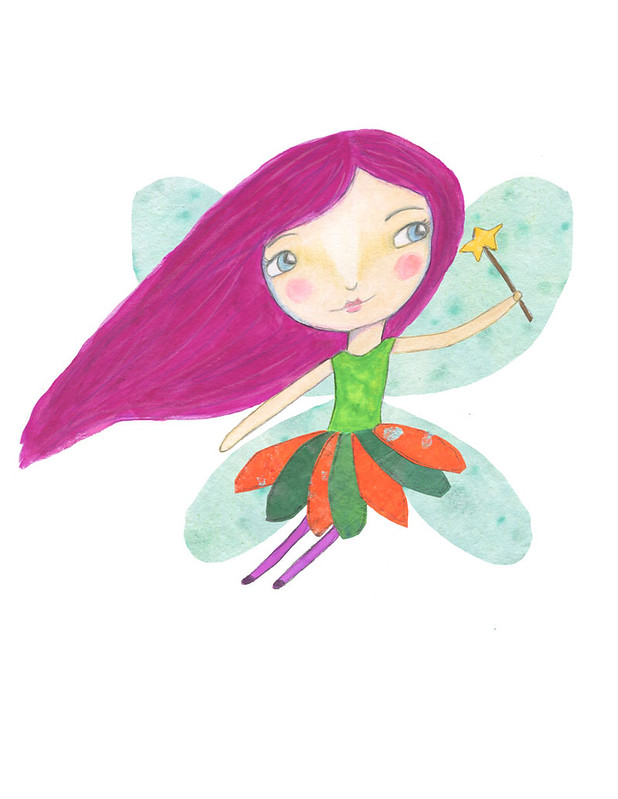
I liked my fairy a lot.
 

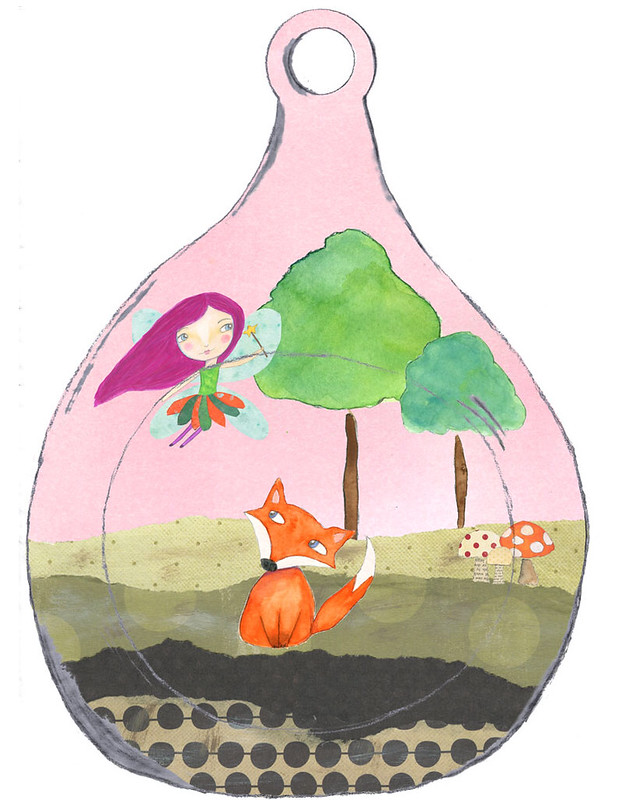
I of course had to have a fox so I tried creating a world with the fairy and the fox in a hand drawn terrarium.
 

It still quite wasn't what I wanted so I tried something else.
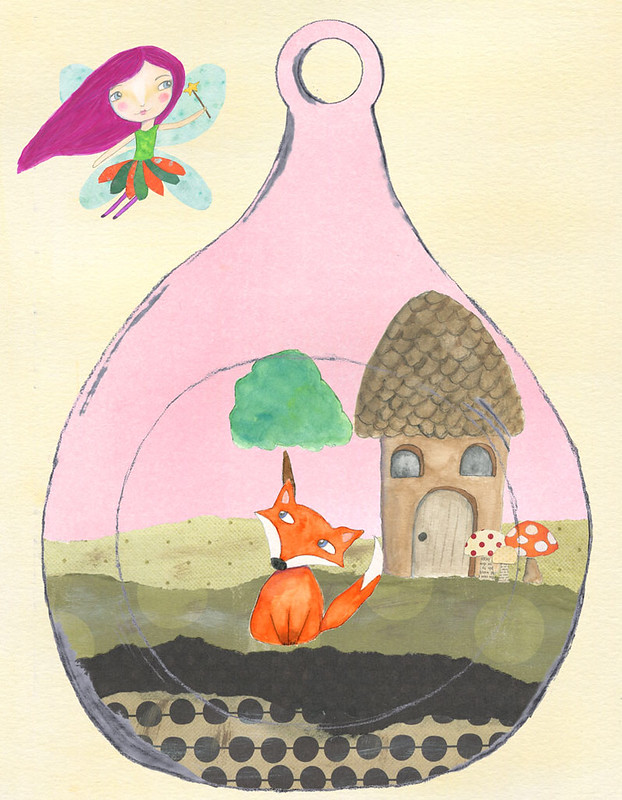
 

The above was a work in progress and I kept playing around with it but it still wasn't coming together. I didn't like how my sketch was looking in Photoshop. Then I tried collage and my favorite symbol; balloons.
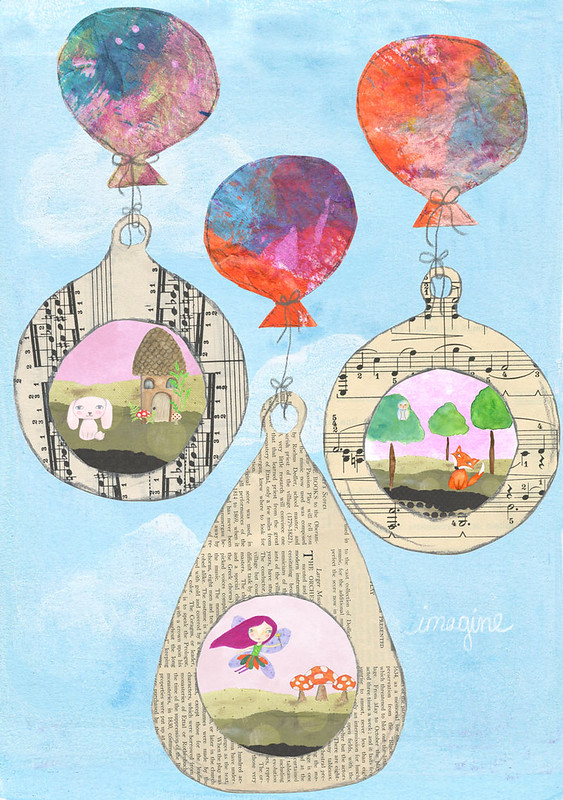
 

This was better but still not what I wanted. I finally settled on the version below. It's okay but it can still use improvement.
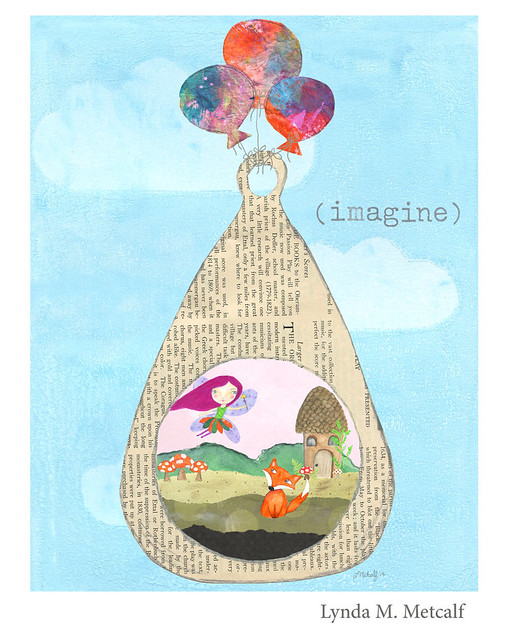
When I saw the talented artists that made the top 50 I realized my painting was needing more. I'd like to believe if I had the time I had originally wanted I would've made something I was more passionate about. Maybe yes, maybe no. I admit I was pretty upset after the top 50 came out. I knew I wasn't going to be in the top 50 with the piece I submitted but when I saw the art that made it (plus a lot of the other pieces) I realized my art isn't where I want it to be. I feel I am struggling far more than I should be at this point. I just really need to buckle down and create, create and create.

Funny thing though, literally the day I was feeling super low about my art and my career, I got these fortunes in my fortune cookies.

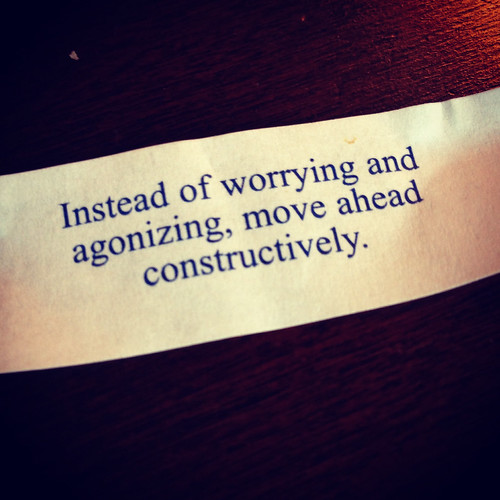
 

The universe does speak to you and will give you a boost when you need it. So, I'm trying very hard to paint or draw daily and I am determined to learn Illustrator and Photoshop. Next year I will kick GTS's a--!


Thanks for stopping by.


Monday, July 14, 2014

What I've Been Thinking About Lately

I know. I know. It's been over a month since I last blogged. I have been lost in thought about my art, my blog and the state of my career. August 4th everything changes. Both of my children will be in school from about 8:30am to 4:00pm Monday thru Friday. It will be time to buckle down and really get serious. It's exciting and scary at the same time. I've mostly been thinking about my art and my style. I really want it well defined. I don't want to look at my art and just see the techniques I learned from an online class I've taken. I want to look at it and see "me". It's very difficult to bring that into the computer for licensing. You don't need to have computer skills to be licensed but if you have them, you will have more opportunities. I follow a lot of different licensed illustrators and one of my favorites is Helen Dardik. Her work is colorful, whimsical and lush. Most importantly her traditional and computer art are very similar.

Here is a piece Helen Dardik did in Illustrator.

And here is one of Helen's watercolors.

Even though she used a computer for one piece and traditional materials for the other, you know it's Helen Dardik's art. This is where I want my art to be. I want people to look at it and know it's Lynda M. Metcalf's art whether I used my computer or my paintbrush.

I still have a lot of work ahead of me. I think I'm close to having "my style" but I'm not quite there. I also need to treat the computer as another art supply. It's amazing what can be accomplished with Illustrator and Photoshop but it's a lot to learn. Soon I'll have more time. I better come up with a plan to use my time wisely so I can accomplish all I want to!

Here are links to Helen Dardik's work if you want to get lost for a little while.

Illustration

Watercolors

Patterns


Thanks so much for stopping by. And don't forget to click the links above to check out Helen's work.


Tuesday, April 15, 2014

Inspired by Make Art That Sells

Lilla Rogers is running Make Art That Sells parts A & B again. I am not participating but if you google "make art that sells" or type #makeartthatsells into Instagram you can see the lovely art being made. I follow Zoe Ingram's blog (she won Lilla's Global Talent Search last year) and she created the cutest pirate themed baby clothing. I was so inspired I pulled out my iPad and opened Adobe Ideas and created these guys.


These are just sketches but I can see them turning into something more in Illustrator. I'm really getting the hang of making these characters on the iPad. It really helps with my work flow. It's also very fun!

Thanks for stopping by!


Monday, October 14, 2013

Diary of a "Make Art That Sells" Student: Week 1 of Part B

The second part of "Make Art That Sells" started last week and I buckled down, ignored housework, found sitters for the kids and got to work.  We got into the holiday spirit (before Halloween!) and had to create a Christmas card.  Lilla Rogers brings us into our assignment slowly by having us do a mini assignment before the big reveal of the main assignment later in the week.  I researched and sketched lots of different holiday ornaments and candy.  At this point I don't know if I'll be creating wrapping paper or a Christmas card collection. The big takeaway from this course is icons, icons, icons!  You need to make lots and lots and have a variety.  This is not the way I usually work.  I doodle and sometimes they turn into a painting.  The sketching process for licensing is very specific.  All the variety of icons may not make it into your final piece but they help you so much and they can be used for something else later so, they have loads of value.

I dove into my Christmas memories for inspiration.  My favorite ornament was one of an elf sitting on a mistletoe ball from my Grandma, candy canes, handmade ornaments and Christmas TV Specials.  When we got the main assignment of a Christmas Card I was ready and I had a concept.

These are my sketches and paintings for the assignment.


I knew I wanted an elf so, I decided she was going to decorate a very challenging tree.  I knew I wanted her dress to have a pattern so, I made a candy cane one in Photoshop.  
(Check out my tutorials here and here)


Then I tried coloring my sketch of the elf in Photoshop.  The results were cute but I decided to go with traditional media.


Then I realized I needed to tilt her head because the tree was going to be little.  So, I cut and played in Photoshop instead of redrawing the elf.


Next came the ornaments that I envisioned spilling from her box.


This was the first draft of the card.


I wasn't thrilled and then the idea of a winter scene popped into my head.  But, there was even more.  I imagined this card as a novelty card.  You would open it up and the elf transforms the Charlie Brown inspired tree into a big beautiful tree.  The elf had to change on the inside too.  Instead of drawing a new elf I decided to make the parts I needed and do some Photoshop magic.


This is the draft I submitted.  The card cover nice and big on the presentation sheet and a decorated tree with a joyful elf for the interior of the card underneath.  I even managed some hand lettering on the cover of the card inspired by the curlz font.  If I had more time I would've hand lettered the inside text but, I ran out of time.  It was very important to me to have the concept presented.  


A few months ago I never would've attempted something like this.  I used Photoshop and Illustrator for this.  I wish I had dived into the programs more between Part A and Part B of this course but I am proud of what I was able to accomplish.  

This week we are doing Baby/Children's Apparel.  I've been shopping in those departments for years now.  I think this week will be fun!  Please check back next week to read the next installment of my diary.

Thanks for stopping by!