Monday, July 14, 2014

What I've Been Thinking About Lately

I know. I know. It's been over a month since I last blogged. I have been lost in thought about my art, my blog and the state of my career. August 4th everything changes. Both of my children will be in school from about 8:30am to 4:00pm Monday thru Friday. It will be time to buckle down and really get serious. It's exciting and scary at the same time. I've mostly been thinking about my art and my style. I really want it well defined. I don't want to look at my art and just see the techniques I learned from an online class I've taken. I want to look at it and see "me". It's very difficult to bring that into the computer for licensing. You don't need to have computer skills to be licensed but if you have them, you will have more opportunities. I follow a lot of different licensed illustrators and one of my favorites is Helen Dardik. Her work is colorful, whimsical and lush. Most importantly her traditional and computer art are very similar.

Here is a piece Helen Dardik did in Illustrator.

And here is one of Helen's watercolors.

Even though she used a computer for one piece and traditional materials for the other, you know it's Helen Dardik's art. This is where I want my art to be. I want people to look at it and know it's Lynda M. Metcalf's art whether I used my computer or my paintbrush.

I still have a lot of work ahead of me. I think I'm close to having "my style" but I'm not quite there. I also need to treat the computer as another art supply. It's amazing what can be accomplished with Illustrator and Photoshop but it's a lot to learn. Soon I'll have more time. I better come up with a plan to use my time wisely so I can accomplish all I want to!

Here are links to Helen Dardik's work if you want to get lost for a little while.

Illustration

Watercolors

Patterns


Thanks so much for stopping by. And don't forget to click the links above to check out Helen's work.


Thursday, June 5, 2014

Art Techniques...Experimenting with Eyes

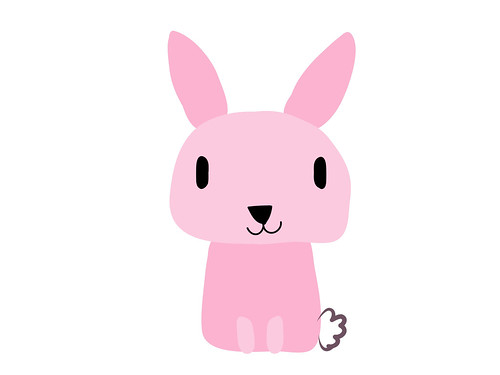
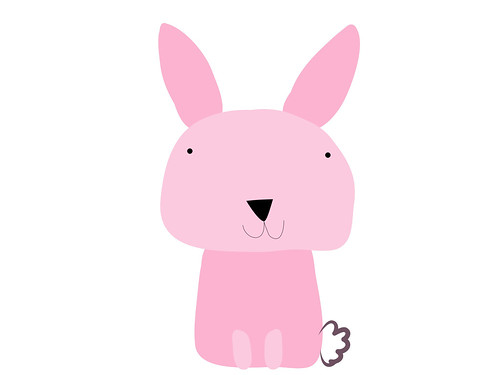
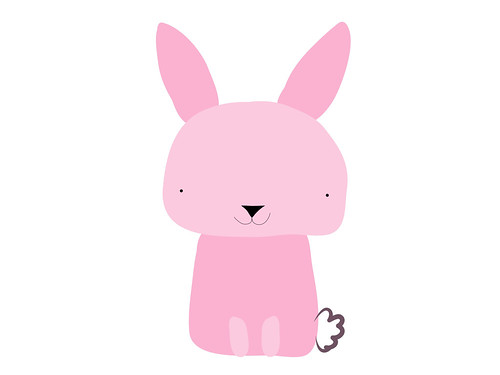
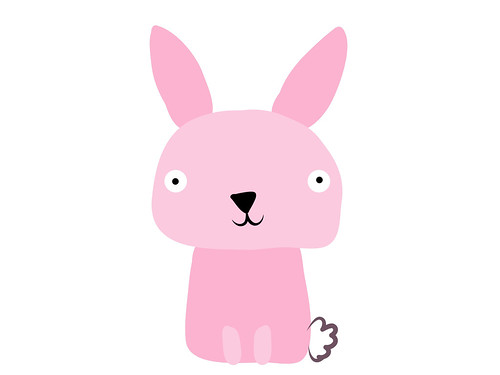
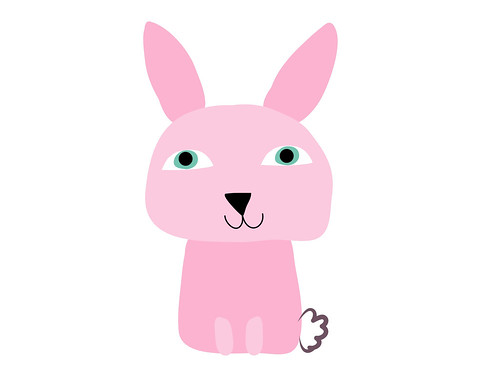
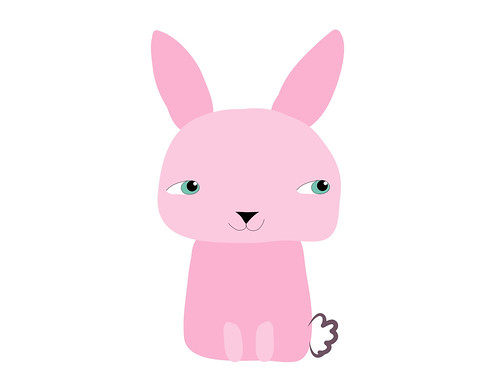
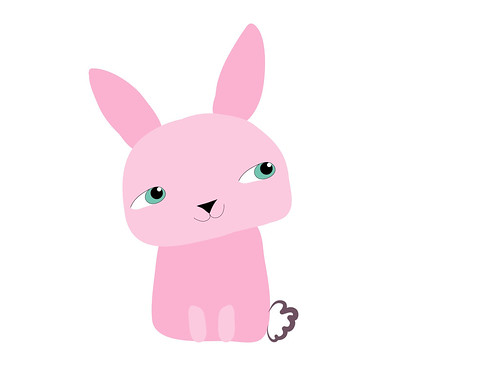
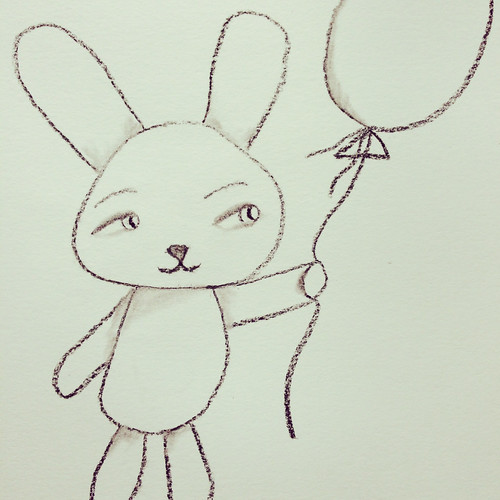
I enjoy playing around in Adobe Ideas on my iPad because you can work in layers. Layers can be turned on and off so I can play with how a character looks. For the bunny I created below I decided to play with his eyes. Changing something as simple as eyes can greatly influence how your character looks. You can do this drawing exercise on your tablet too if you have a layer based art program. Or you can also use a pencil and eraser and take pictures of your character with the different eyes you create, then choose the version you like best.

Big oval dot eyes

Little dot eyes placed high

Little dot eyes placed low


Peppa Pig cartoon eyes

People like eyes

Add eyelids


Eyes looking off to the side


Add a tilt of his head (this one is my favorite)

Same bunny but the eyes were changed or repositioned to create different looks and personality. This is a fun exercise to do when you are blocked and don't know what to draw. Just play around and change up the eyes, ears, nose or whatever you want with your character.


Thanks for stopping by!


Thursday, May 29, 2014

Changing Direction

For the past month I've been in a funk. I haven't wanted to do art or blogging (obviously). A lot has been going on since the end of April but that's not the only reason I've been absent. I haven't been into making the art I usually make. It's not that I don't like the art I've made. I do. I love the characters, colors and texture but I want to do something else.... Something more.


An iPad doodle in Adobe Ideas

When I took Make Art That Sells last year it opened up all these other opportunities for my art. I used to think making art was about going to craft shows and opening an online store. But now it's about so much more. I can create art that can go on things like wrapping paper, clothes and bedding. That just amazes me. I have found that making art for licensing is completely different than making it for my shop. In my opinion it's about simplicity and icons. You can combine and layer the icons to make things more complex but the pieces themselves are simple. I really like the idea of having lots of simple pieces and then putting them all together to make something completely new. Learning how to combine these things has been my biggest challenge.

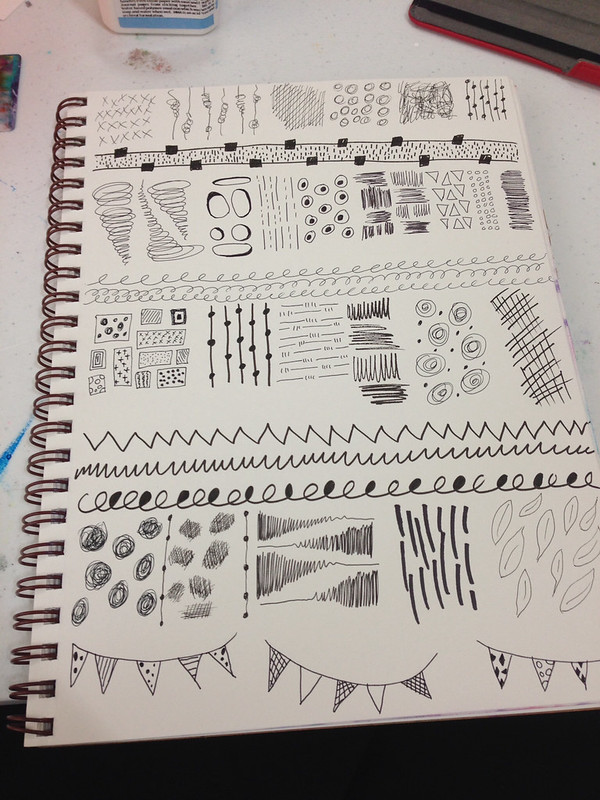
A page of marks I did in my sketchbook. All these marks were fun to create and they can be taken further in computer programs like Illustrator and Photoshop.

I post my sketches, doodles and iPad art to Instagram and I get a lot of likes. The majority of the art posted to Instagram is simple. Seeing this positive feedback has made me take a hard look at what I create and how I create. I've decided I'm going to buckle down this August when both my kids are in school and create art for licensing. I'd love, love, love to go to Surtex next May and I would need a boatload of art to do this. I'm going to embrace simplicity of form. I'm going to master (or be super comfortable with) Illustrator and Photoshop. I'm going to get collections under my belt. I won't completely abandon the art making I've made in the past. It's fun to get messy with paint. It's just not going to be a priority. My Etsy shop will still exist it will have simpler art added to the mix. My Society6 shop will hopefully bulk up too. It's so fun seeing my art on things!

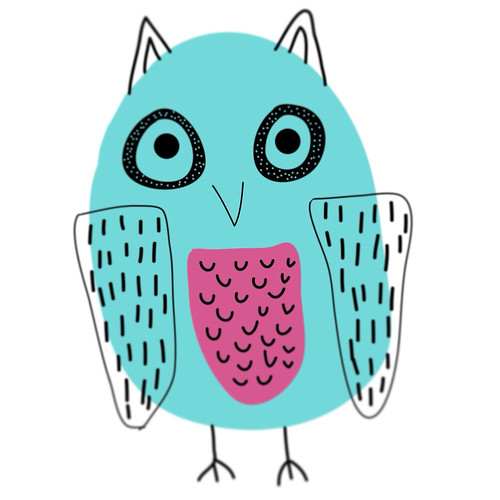
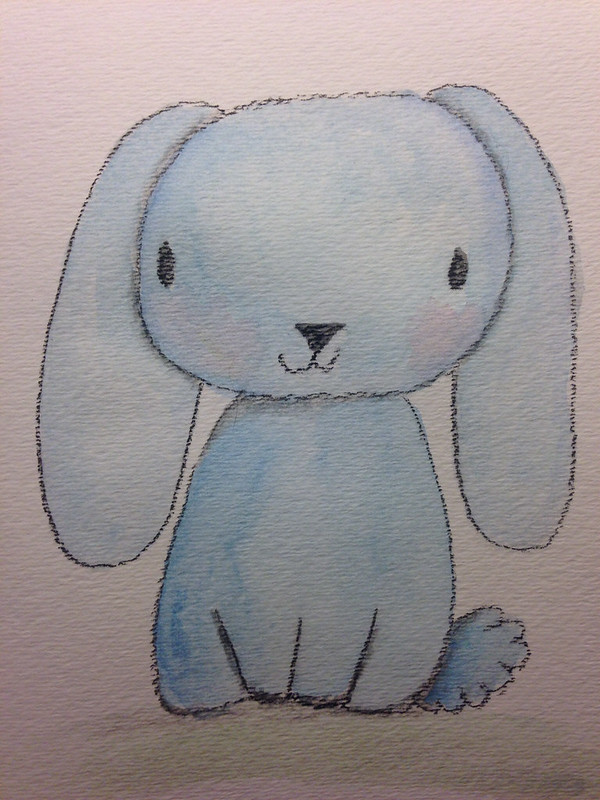
This cutie got a lot of likes on my Instagram. He's pastel and watercolor. He's so adorable!

I intend on sharing my process and what I learn on this journey. Change and growth is good.

Thanks for stopping by!


Friday, May 9, 2014

A New Shop

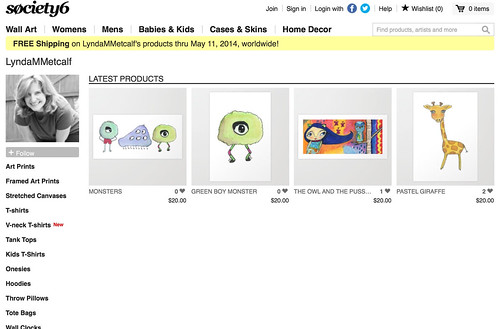
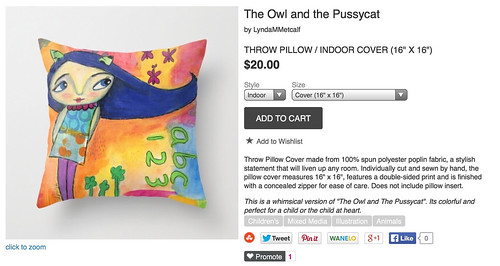
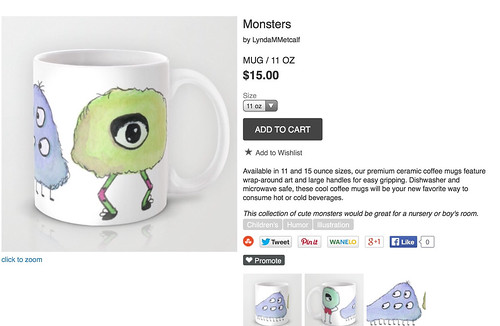
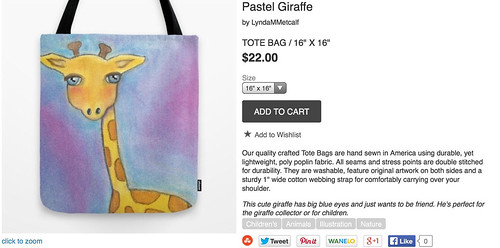
I've opened a Society6 shop! I made an effort to have different art available in this shop from my Etsy shop. It is still a work in progress but there are fun and whimsical products in there. More will be coming. It's fun to see my art on a mug. This weekend there is free shipping on orders so, check it out!


Just click on this here to visit the shop!

Thanks for stopping by!


Saturday, April 19, 2014

Happy Easter

Wishing everyone a Happy Easter and (hopefully) a sunny spring weekend!

Thanks for stopping by!


Tuesday, April 15, 2014

Inspired by Make Art That Sells

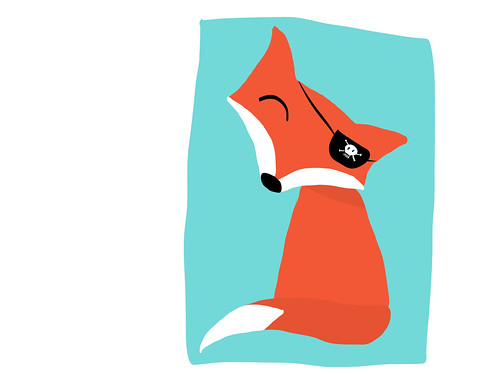
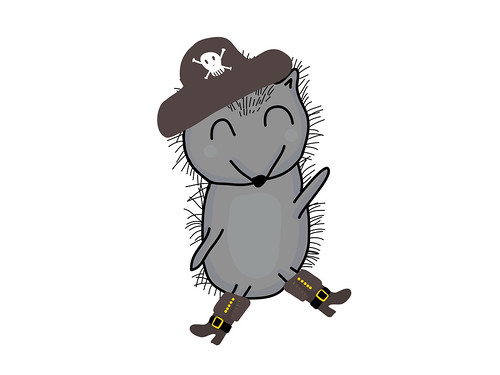
Lilla Rogers is running Make Art That Sells parts A & B again. I am not participating but if you google "make art that sells" or type #makeartthatsells into Instagram you can see the lovely art being made. I follow Zoe Ingram's blog (she won Lilla's Global Talent Search last year) and she created the cutest pirate themed baby clothing. I was so inspired I pulled out my iPad and opened Adobe Ideas and created these guys.


These are just sketches but I can see them turning into something more in Illustrator. I'm really getting the hang of making these characters on the iPad. It really helps with my work flow. It's also very fun!

Thanks for stopping by!


Monday, April 7, 2014

Some Art Days are Good and Some are Not

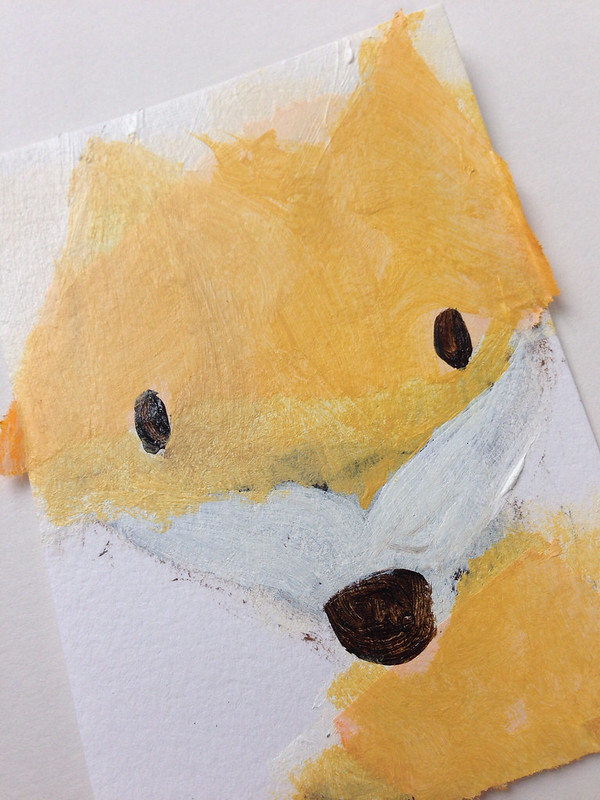
I've been playing around with different media and different techniques. Some things are successful and some, not so much. Here are some things from my studio.

Cutie IPad Art

First Go At Coloring in Photoshop


This will become something cause it's too adorable not too.


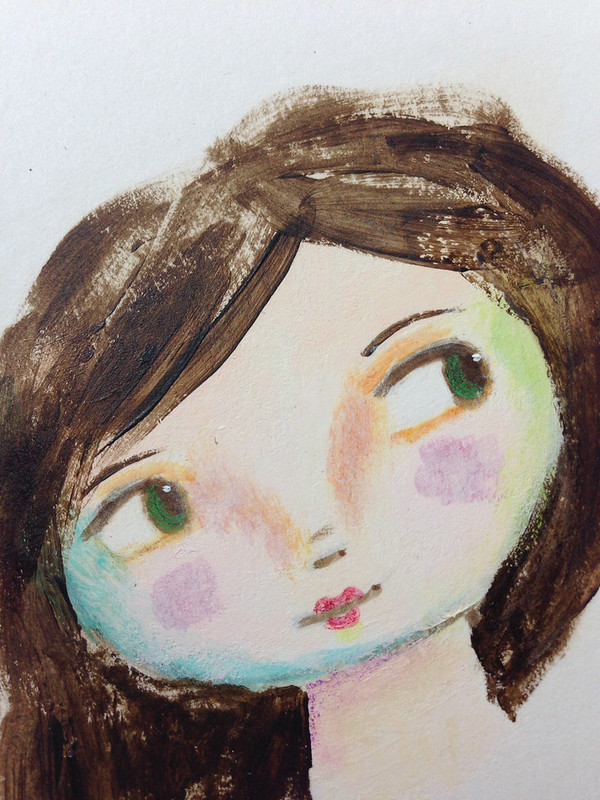
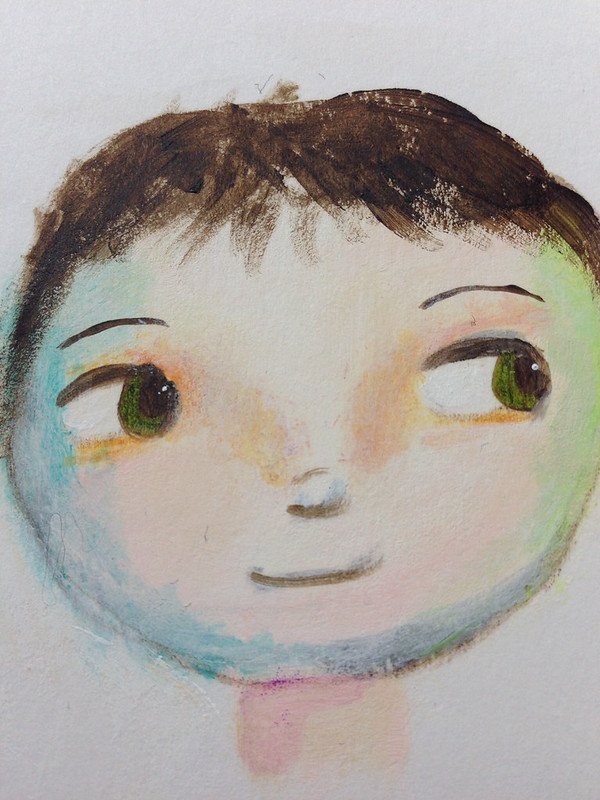
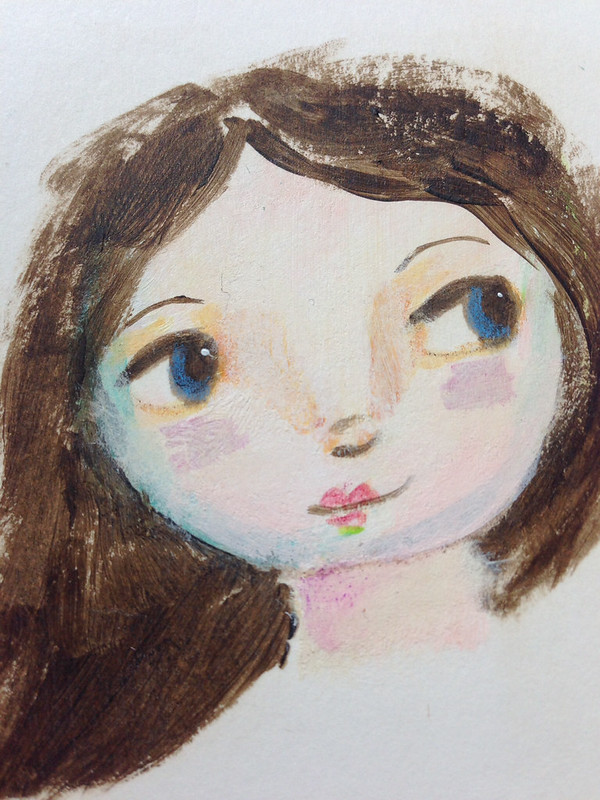
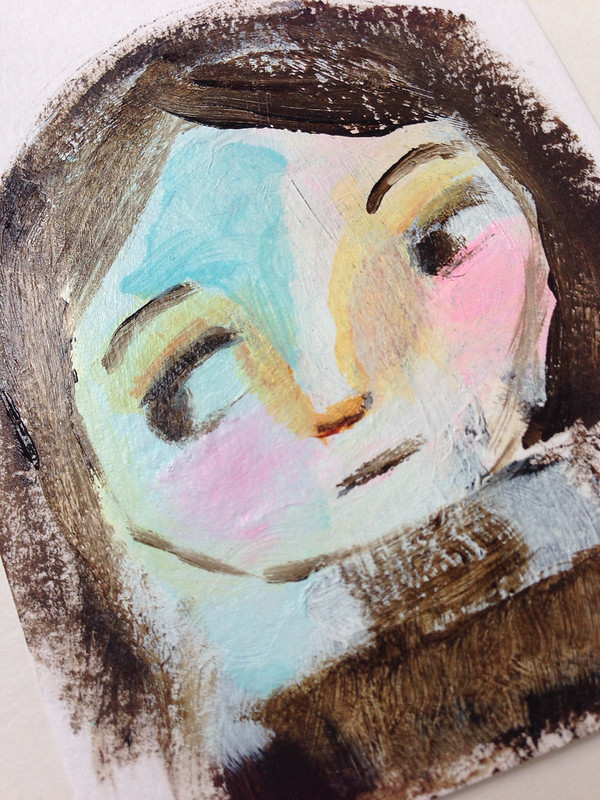
Love the next three faces so much!


Has potential, maybe...


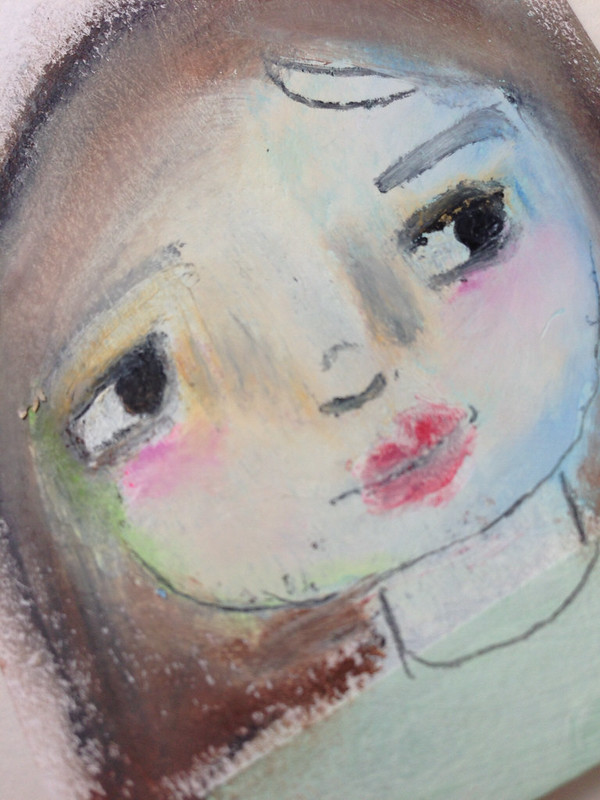
And in my attempt to be primitive I created this mediocre one


A reject from Braveheart


No! No! No! Put those oil pastels down right now and walk away. It'll be best for everyone.


Some days I create things I am over the moon about. Other days I create well, crap. But that is ok. Every mark I make teaches me something, even if it's never to pick up an oil pastel again (at least not this week). I believe all artists go through this; musicians, novelists, chefs, painters, all creative types. Every artistic individual you love has at one time created something that will never see the light of day. But if you don't make the bad you will never learn how to make the good. So, make something bad and be proud. (You may choose to hide it forever or post it on your blog like me)


Thanks for stopping bye!